What AIMS Confluence does
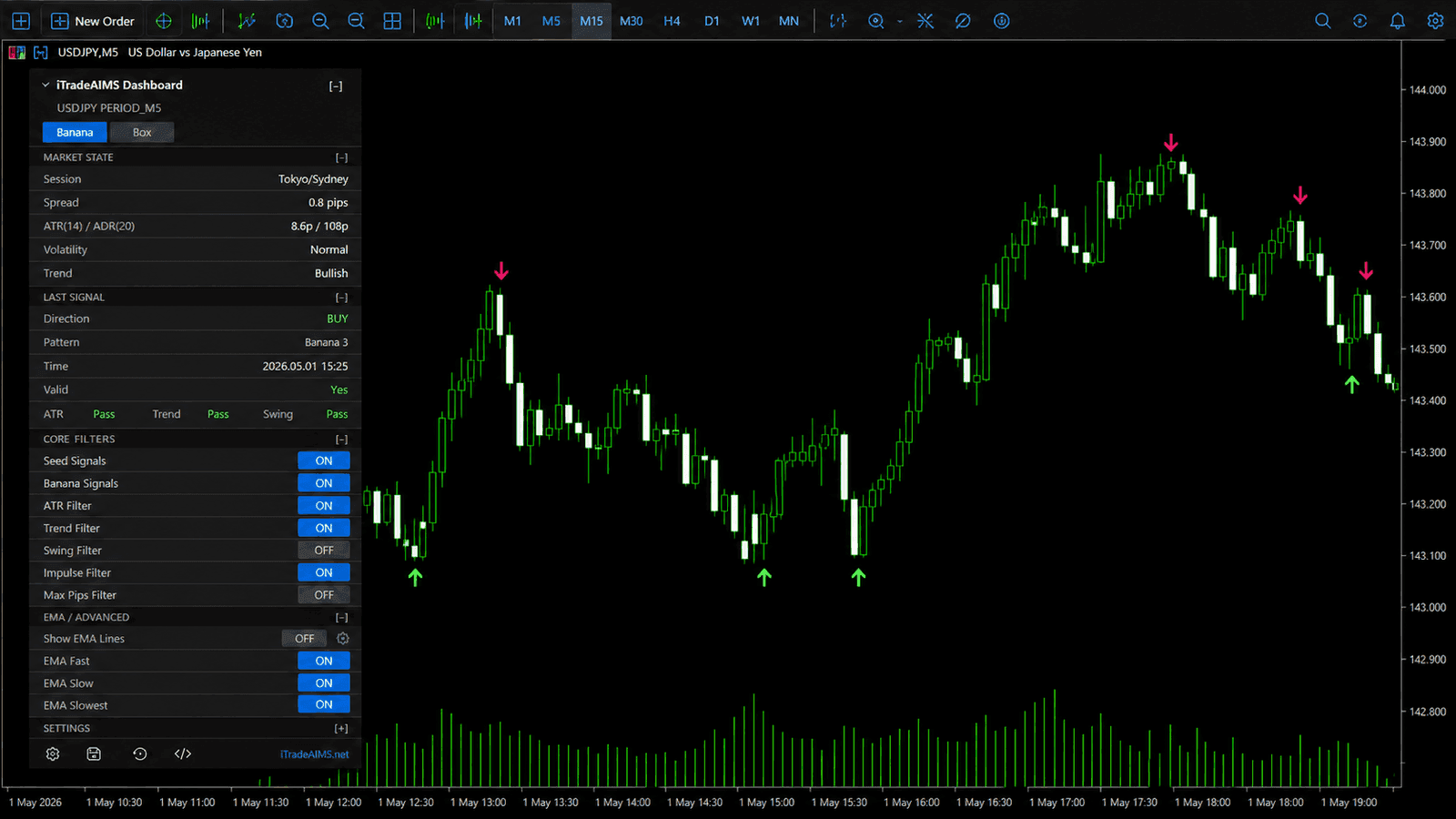
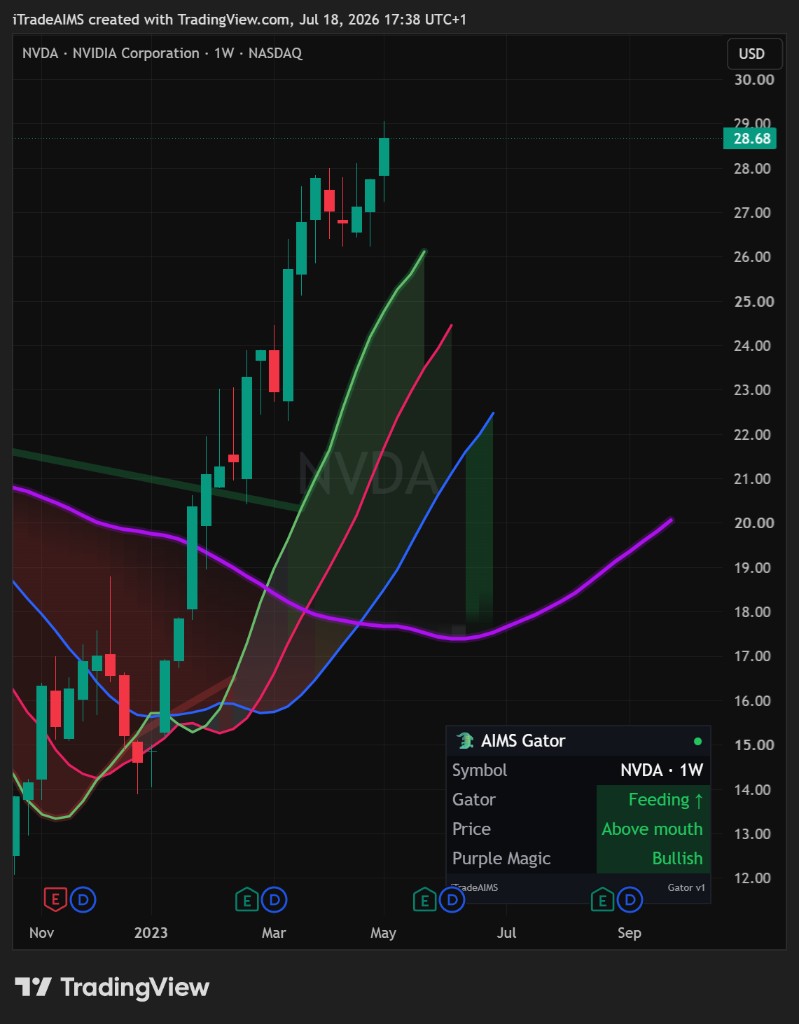
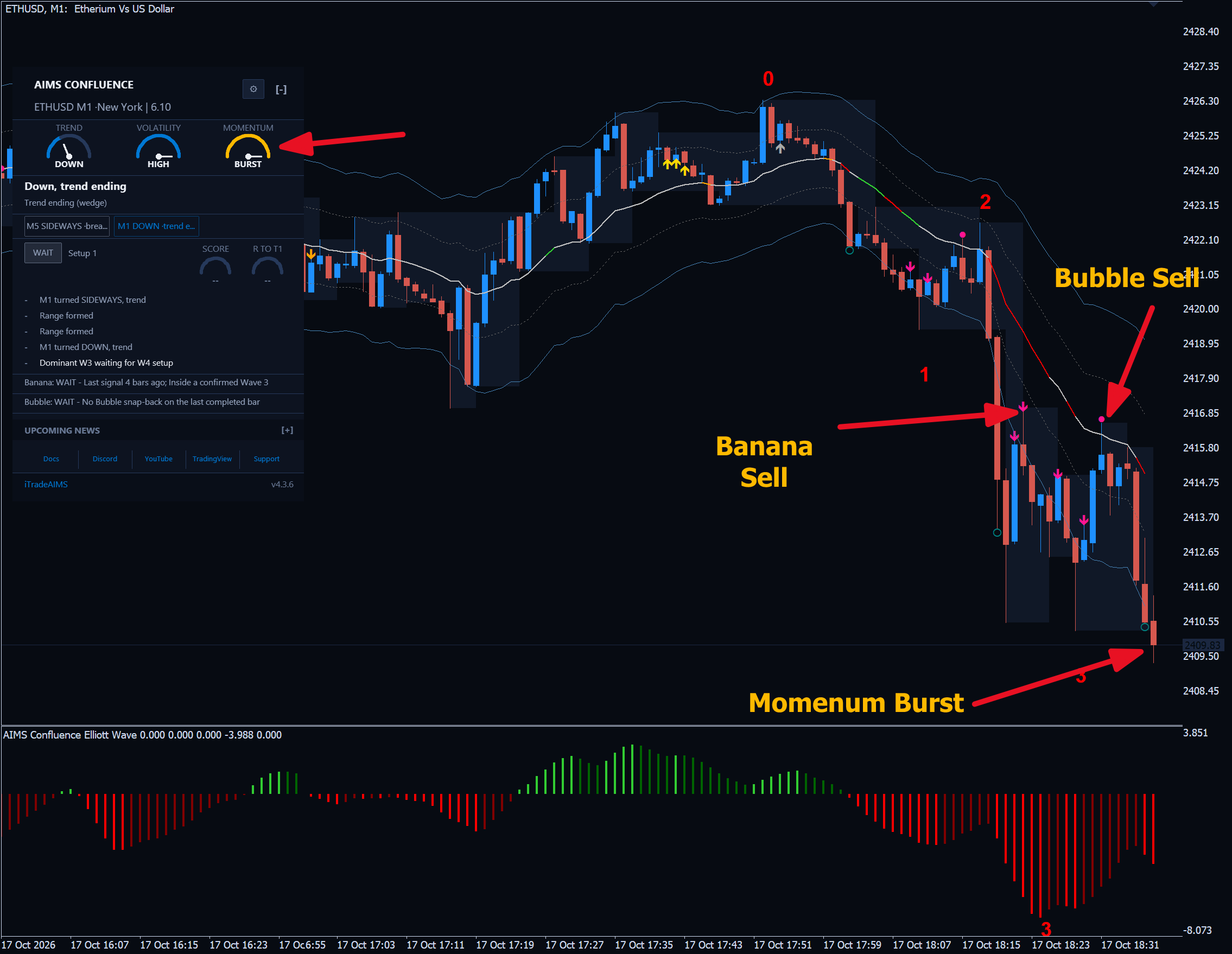
The Confluence Indicator Set eliminates indicator clutter by consolidating the entire AIMS trading methodology into a single-file MetaTrader 5 cockpit dashboard. Instead of deciphering separate charts, traders monitor a harmonized HUD displaying real-time Trend, Volatility, and Momentum dials, graded signal lanes (Setup 1, Banana, Bubble), and clear Take/Wait/Skip execution verdicts.
Multi-Dimensional Regime Dials
Visual needles synthesize macro Trend, Volatility degrees, and Momentum acceleration across multiple timeframes.
3-Lane Signal Architecture
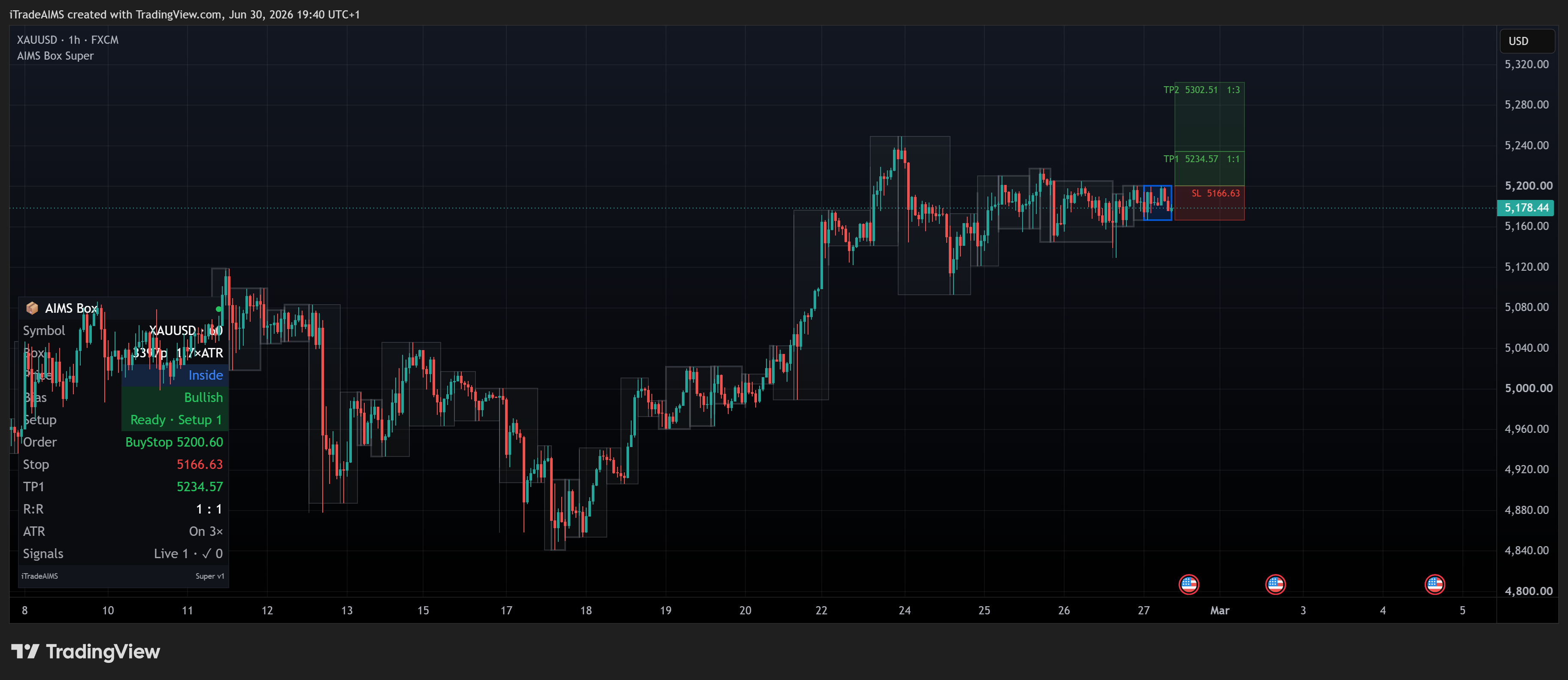
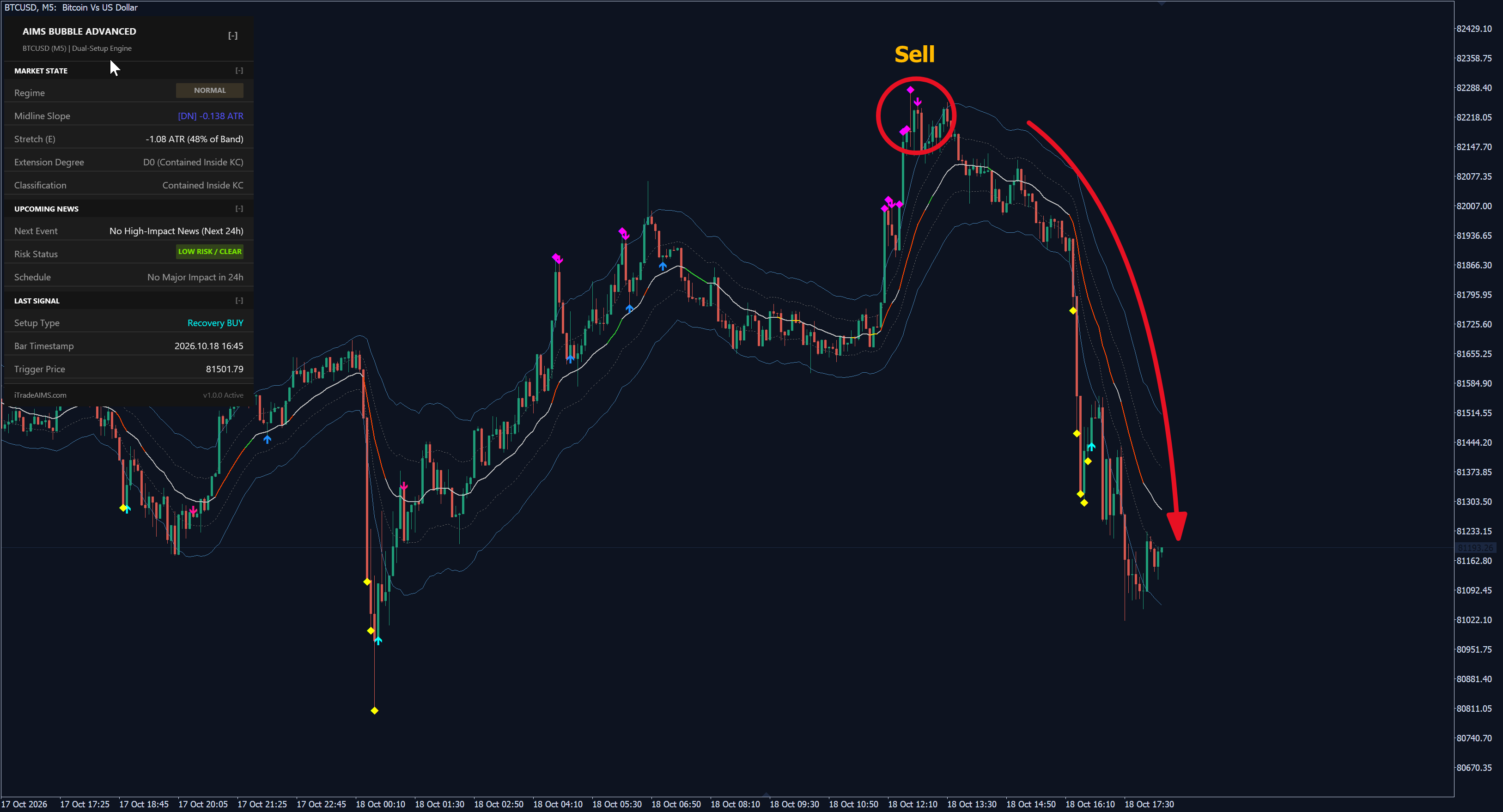
Monitors Setup 1 (Box/Wave), Banana (Pullback), and Bubble (Snap-Back) in parallel with interactive on-chart toggles.
Take / Wait / Skip Cockpit
Algorithmic verdict card confirms trade qualification on candle close, filtering out low-probability chop automatically.
How to trade AIMS Confluence
Check Market Regime & News Gates
Verify that Trend and Momentum dials point in the trade direction, and ensure no high-impact economic news is due within the release window.
Verify Minimum 1.5R Volatility Runway
Ensure price action has clear runway to the nearest Adam Grimes 2.25x ATR volatility band or major structural boundary.
Confirm Aligned Signal Lane Trigger
Wait for a confirmed trigger arrow on completed bar close across Setup 1 (Box breakout), Banana (Corridor pullback), or Bubble (Snap-back).
Execute on TAKE Cockpit Verdict
When the Confluence Dashboard issues a HIGH or CAUTION TAKE verdict, execute with Stop Loss anchored to fractal support and TP1 at 1.0R.
Prompts, not trade instructions. A SETUP READY prompt tells you to review the structure on a closed candle. It is never a command to enter blindly.
Setups and chart grammar
The Confluence Dashboard issues four algorithmic execution verdicts.
| Setup | Context | What the indicator sees | Goal |
|---|---|---|---|
| TAKE (High Conviction) | Multi-lane alignment | Trend dial + Momentum dial + Signal lane agree with 1.5R+ runway | Execute high-probability setup with standard risk sizing |
| TAKE (Caution) | Single lane with macro backing | Primary signal confirmed with acceptable runway but minor counter-momentum | Execute with conservative 0.5R position sizing or await retest |
| WAIT (News / Choppy) | Upcoming news or mixed signals | High-impact news release imminent or lines entangled in consolidation | Stand aside; capital preservation is the primary objective |
| SKIP (Exhaustion / Blocked) | Extended market (D3 Climax) | Price pierced outer 2.25x ATR band with zero runway to target | Avoid breakout chasing; await mean-reversion retest |
Full multi-lane alignment with clear volatility runway.
Valid signal with acceptable runway; use conservative sizing.
Imminent high-impact news or low-volatility chop — stay out.
Exhausted climax bubble or blocked structural barrier — do not enter.
Multi-Layer Confluence Verification Gate
Synthesizes market structure, trend direction, momentum acceleration, and volatility runway.
Verdict = Alignment(Trend, Momentum, SignalLane, Runway)
if Runway < 1.0R or NewsImminent  →  WAIT
if |E| > 2.25 (D3 Climax)         →  SKIP (No Breakouts)
if AlignedLanes >= 2 and Runway >= 1.5R → TAKE HIGH
Settings
| Input | Type | Default | What it does |
|---|---|---|---|
| SerialKey | string | "" | Member Portal serial key to unlock the suite on MT5. |
| ShowMarketState | bool | true | Toggle top Market Regime Panel with Trend, Volatility, and Momentum dials. |
| EnableUpcomingNews | bool | true | Synchronize with MT5 economic calendar for upcoming event tracking. |
| ShowSetup1Lane | bool | true | Enable Lane 1 evaluation for AIMS Box and Wave Setup 1 breakouts. |
| ShowBananaLane | bool | true | Enable Lane 2 evaluation for Banana trend continuation pullbacks. |
| ShowBubbleLane | bool | true | Enable Lane 3 evaluation for Bubble centre-band Snap-Backs. |
| EnableConfluenceAlerts | bool | false | Audio chime, popup, and push notification alerts on qualified TAKE verdicts. |
| Input | Type | Default | What it does |
|---|---|---|---|
| Component Suite Mode | String | Integrated | TradingView companion workflow using Banana, Box, and Wave modular scripts. |
| Multi-Lane Confluence Gate | Boolean | true | Enforce closed-bar agreement between Box structure and Banana triggers. |
| Input | Type | Default | What it does |
|---|---|---|---|
| InpSerialKey | string | "" | Serial key for MT4 module suite licensing. |
| EnableSuiteCoordination | bool | true | Cross-indicator coordination between Box, Banana, and Wave. |
Use it in your EA
On MetaTrader you can read the levels and setup state from an Expert Advisor with iCustom().
// MQL5 — Query Confluence Dashboard buffers on completed bar close
int    h = iCustom(_Symbol, _Period, "AIMS_Confluence_Dashboard");
double verdict[], trend[], vol[], sl[], tp[];
CopyBuffer(h, 0, 1, 1, verdict); // Buffer 0: 1.0=Buy TAKE, -1.0=Sell TAKE, 0=WAIT
CopyBuffer(h, 4, 1, 1, sl);      // Buffer 4: Suggested Stop Loss price
CopyBuffer(h, 5, 1, 1, tp); // Buffer 5: Suggested TP1 (+1.5R target)| Buffer | Name | Value |
|---|---|---|
| 0 | Verdict | 1.0 = TAKE Buy, -1.0 = TAKE Sell, 0.0 = WAIT / Neutral |
| 1 | TrendDial | 1.0 = UP, -1.0 = DOWN, 0.0 = RANGE |
| 2 | VolatilityDegree | 0.0 = D0 Normal, 1.0 = D1, 2.0 = D2, 3.0 = D3 Climax |
| 3 | LaneActiveCount | Count of active aligned signal lanes (0.0 to 3.0) |
| 4 | SuggestedSL | Dynamic structural Stop Loss price level based on fractal pivots |
| 5 | SuggestedTP1 | Suggested Take Profit 1 price level (+1.5R target) |
Frequently asked questions
The Confluence Indicator Set is a single-file MetaTrader 5 dashboard synthesizing four analytical dimensions: Trend Continuation (Banana), Market Structure Breakouts (Box), Elliott Wave Momentum (eWaves), and Volatility Bands (Bubble) with real-time Take/Wait/Skip verdicts.