What Grant's AO does
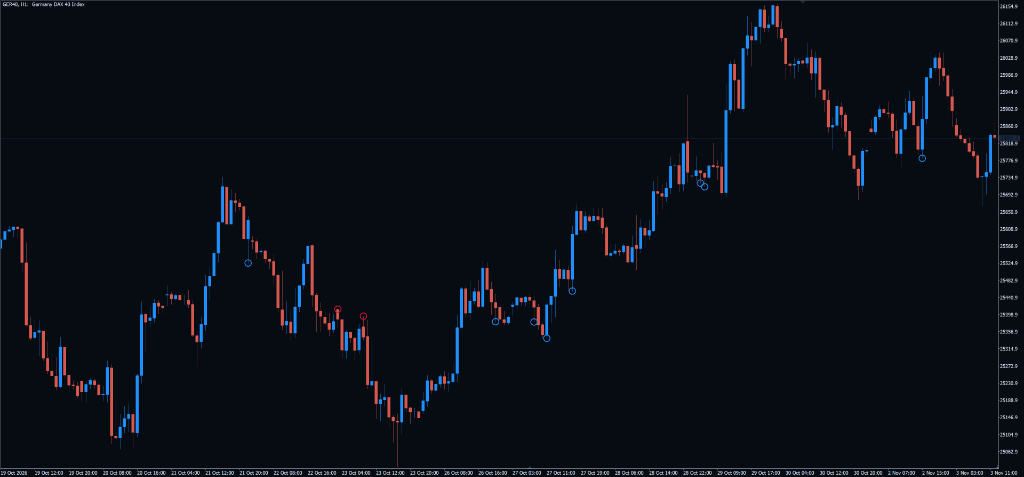
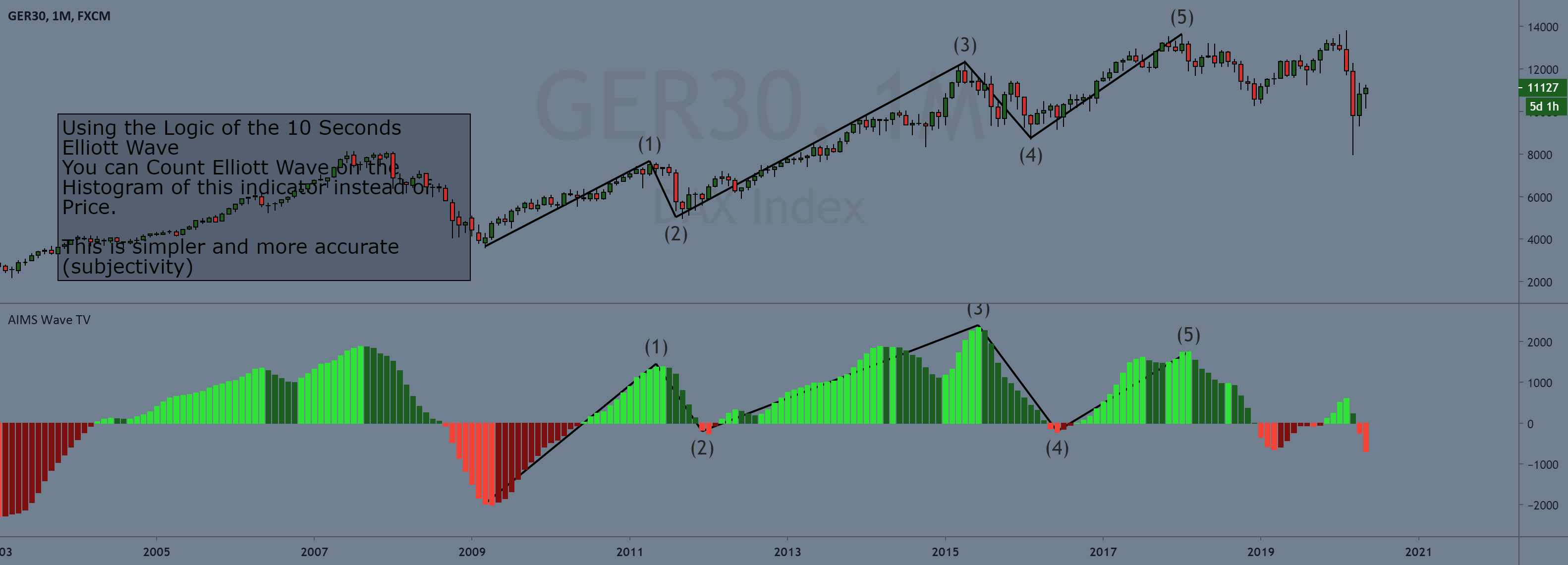
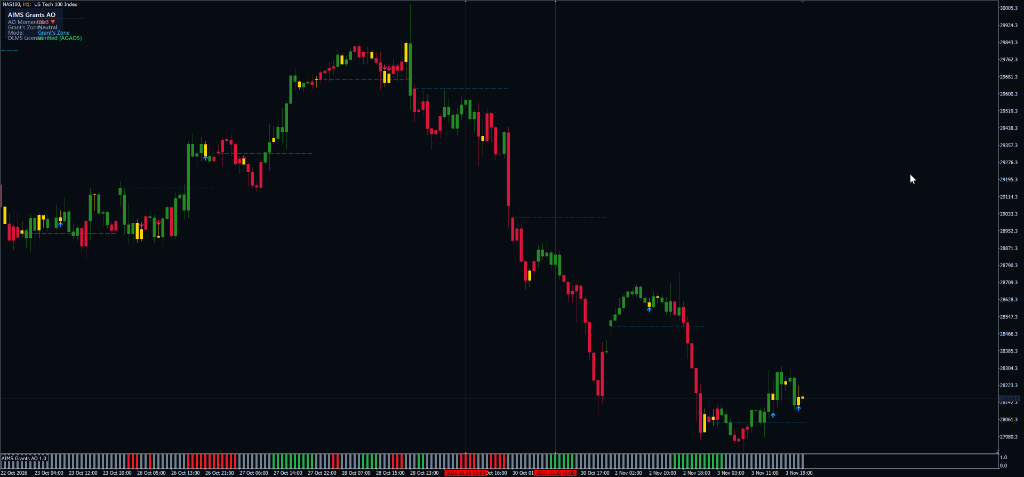
Traditional Awesome Oscillators render tall, fluctuating histogram bars that consume significant vertical chart space and can be difficult to interpret objectively. AIMS Grant's AO transforms this data into a normalized, discrete horizontal momentum tape ribbon (Green for Long Zone, Red for Short Zone, Gray for Neutral) using fixed 0.0 to 1.0 values.
Grant's Pullback Zone Qualification
Identifies high-expectancy pullback conditions where momentum has cooled after an impulse peak while price structure remains intact.
Slim 20-Pixel Normalized Subwindow
Uses fixed 0.0 to 1.0 categorical scaling, allowing the subwindow to compress to a slim 20–30 pixel strip to maximize charting canvas.
Zero-Line Priming & Divergence Detection
Flags when momentum approaches the zero baseline, priming traders for the next high-velocity directional impulse leg.
How to trade Grant's AO
Monitor Momentum Tape Ribbon
Check the subwindow tape ribbon: Green flags Grant's Long Zone, Red flags Grant's Short Zone, and Gray flags Neutral chop.
Identify Pullback Deceleration
Avoid buying into peak momentum; wait for the ribbon to confirm that the pullback has cooled and stabilized at favorable prices.
Align with Chart Trigger
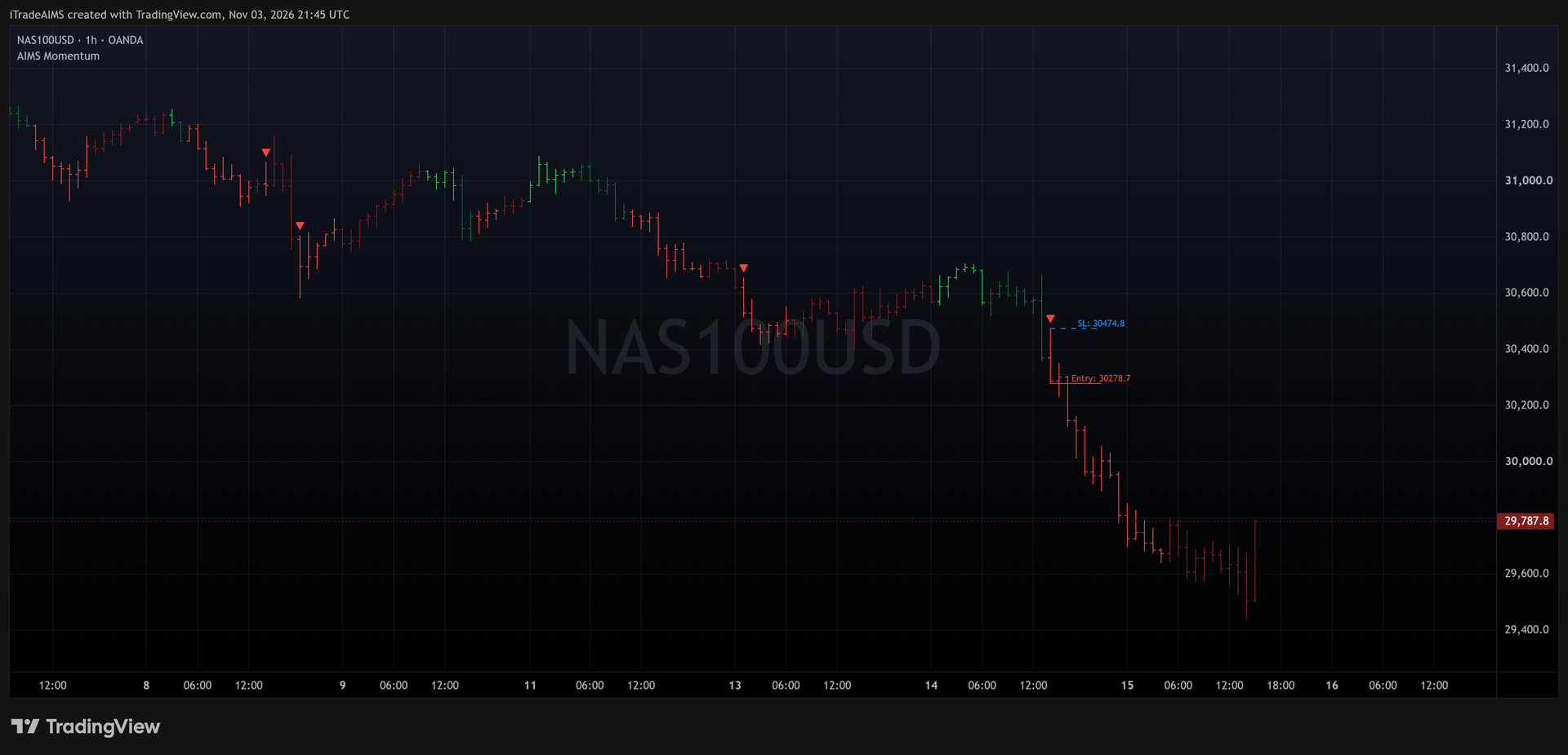
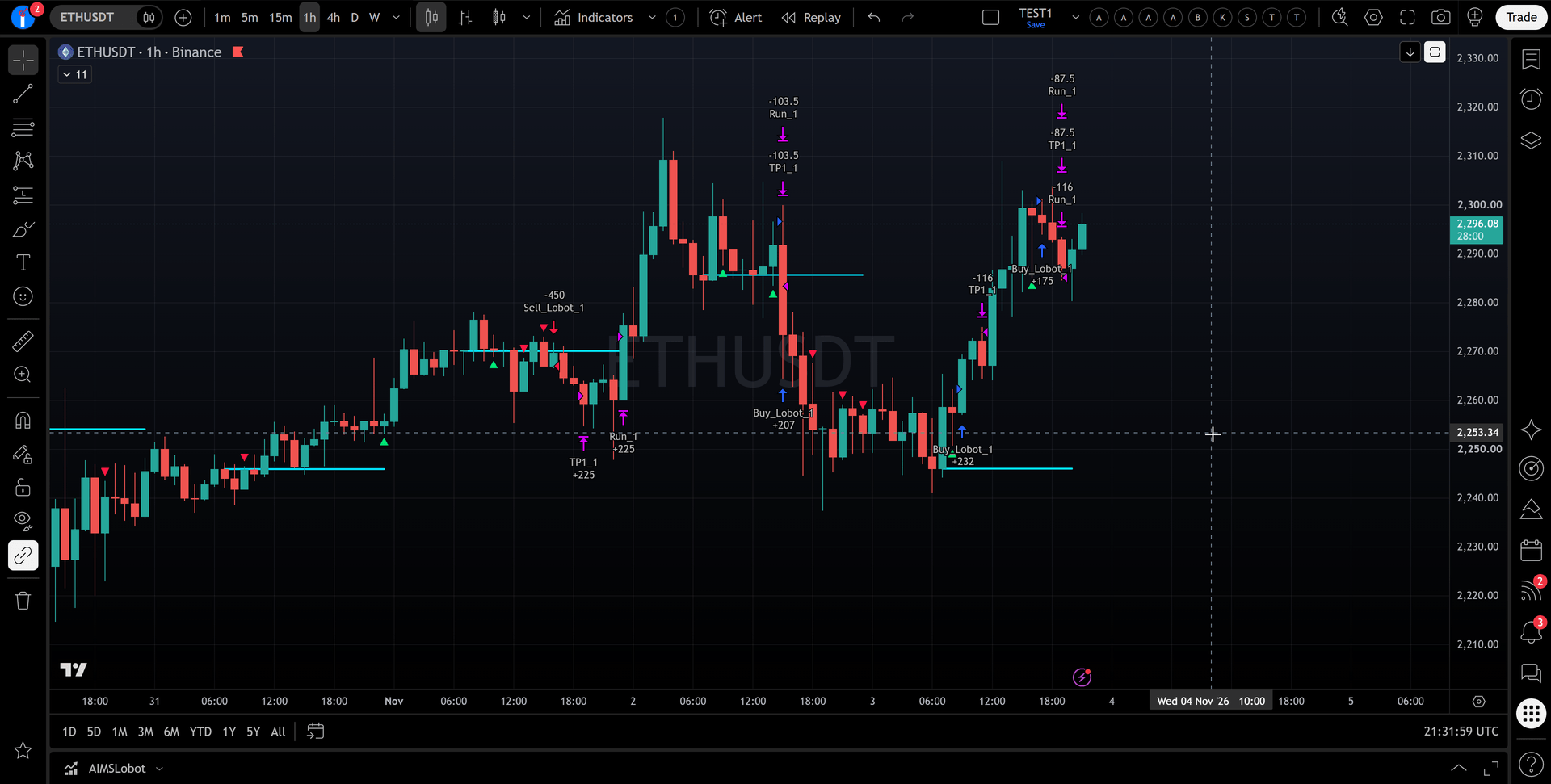
Execute trades when an active Grant's AO zone aligns with an AIMS Hunt Dot, Banana indicator prompt, or Box breakout.
Avoid Late Exhaustion Traps
When momentum diverges or rolls neutral, stand aside to avoid buying tops or selling bottoms of mature trend legs.
Prompts, not trade instructions. A SETUP READY prompt tells you to review the structure on a closed candle. It is never a command to enter blindly.
Setups and chart grammar
AIMS Grant's AO outputs discrete categorical momentum zones.
| Setup | Context | What the indicator sees | Goal |
|---|---|---|---|
| Grant's Long Pullback Zone | Bullish trend retracement | AO holding in active Long Zone after expanding peak thrust | Hunt long continuation entries on Setup 1, Banana, or Hunt Dot triggers |
| Grant's Short Pullback Zone | Bearish trend retracement | AO holding in active Short Zone after downward impulse expansion | Hunt short continuation entries on Setup 1, Banana, or Hunt Dot triggers |
| Neutral Zero-Line Priming | Equilibrium consolidation | AO ribbon rendering Gray near baseline | Prepare order brackets for the next momentum expansion cycle |
AO holding in Grant's Long Zone — green light for bullish continuation pullbacks.
AO holding in Grant's Short Zone — green light for bearish continuation pullbacks.
AO approaching zero baseline — preparing for momentum directional prime.
Momentum divergence at extremes — high reversal risk, do not enter.
The Normalized Momentum Ribbon Invariant
Discrete binary/categorical buffer outputs normalized between 0.0 and 1.0.
LongZone  = (AO >= 0 AND AO >= AO[1]) OR (AO Pullback Filter True)
ShortZone = (AO < 0 AND AO <= AO[1]) OR (AO Bear Pullback True)
Settings
| Input | Type | Default | What it does |
|---|---|---|---|
| Fast SMA Period | Integer | 5 | Fast moving average lookback for AO calculation. |
| Slow SMA Period | Integer | 34 | Slow moving average lookback for AO calculation. |
| Ribbon Height Scale | Float | 1.0 | Normalized visual scale multiplier. |
| Show Long Zone | Boolean | true | Highlight bullish continuation pullback zones in green. |
| Show Short Zone | Boolean | true | Highlight bearish continuation pullback zones in red. |
| Input | Type | Default | What it does |
|---|---|---|---|
| InpSerialKey | string | "" | DLMS serial key license activation. |
| InpFastPeriod | int | 5 | Fast SMA period for AO. |
| InpSlowPeriod | int | 34 | Slow SMA period for AO. |
| InpShowLongZone | bool | true | Render Grant's Long Zone ribbon. |
| InpShowShortZone | bool | true | Render Grant's Short Zone ribbon. |
| InpAlertZoneShift | bool | true | Trigger notifications when momentum tape shifts zones. |
| Input | Type | Default | What it does |
|---|---|---|---|
| InpSerialKey | string | "" | DLMS serial key license validation. |
| InpFastPeriod | int | 5 | Fast SMA period. |
| InpSlowPeriod | int | 34 | Slow SMA period. |
| InpShowLongZone | bool | true | Show Long Zone. |
| InpShowShortZone | bool | true | Show Short Zone. |
Use it in your EA
On MetaTrader you can read the levels and setup state from an Expert Advisor with iCustom().
// MQL5 — Read AIMS Grant's AO momentum zone state on confirmed bar close
int    h = iCustom(_Symbol, _Period, "AIMSGrantsAO");
double longZone[], shortZone[], neutralZone[];
CopyBuffer(h, 0, 1, 1, longZone);    // Buffer 0: Long Zone (1.0 = Active, 0.0 = Inactive)
CopyBuffer(h, 1, 1, shortZone);   // Buffer 1: Short Zone (1.0 = Active, 0.0 = Inactive)
CopyBuffer(h, 2, 1, 1, neutralZone); // Buffer 2: Neutral Zone (1.0 = Active, 0.0 = Inactive)| Buffer | Name | Value |
|---|---|---|
| 0 | Long Zone Buffer | 1.0 if closed bar is in Grant's Long Zone, 0.0 otherwise |
| 1 | Short Zone Buffer | 1.0 if closed bar is in Grant's Short Zone, 0.0 otherwise |
| 2 | Neutral Zone Buffer | 1.0 if closed bar is in Neutral baseline zone, 0.0 otherwise |
Frequently asked questions
Traditional Awesome Oscillators render tall, fluctuating histogram bars that consume significant vertical chart space and can be difficult to interpret objectively. AIMS Grant's AO transforms this data into a normalized, discrete horizontal momentum tape ribbon (Green for Long Zone, Red for Short Zone, Gray for Neutral) using fixed 0.0 to 1.0 values.