Settings Overview
Use this page after quick start. Open the gear on AIMS Gator → Inputs. Labels below match the script.
First session
Keep classic defaults until you can spot Feeding up, Feeding down, and Sleeping on your chart.
Script page
1 · Gator
| Input | Default | Plain meaning |
|---|---|---|
| Jaw len/off | 13 / 8 | Slowest Alligator line — length, then forward offset |
| Teeth len/off | 8 / 5 | Mid line |
| Lips len/off | 5 / 3 | Fastest of the three |
Classic Alligator displacement. Larger lengths slow the mouth; offsets shift the drawn lines to the right.
2 · Purple Magic
| Input | Default | Plain meaning |
|---|---|---|
| Purple len/off | 34 / 21 | Fourth line — higher-timeframe bias on this chart |
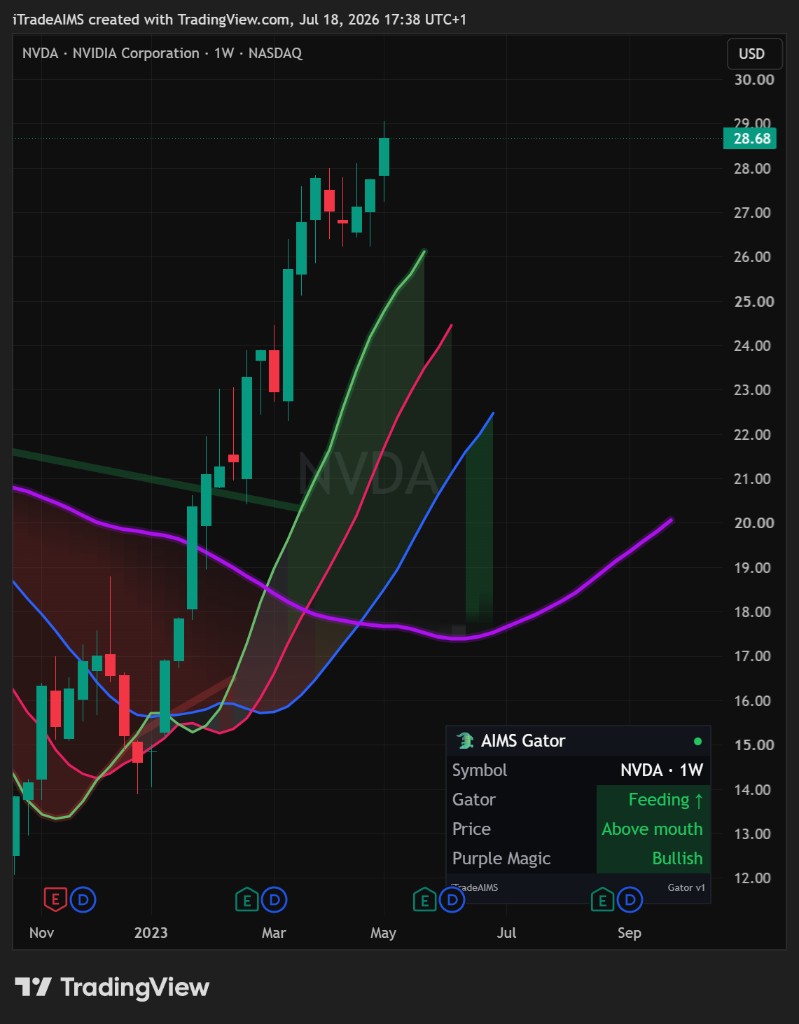
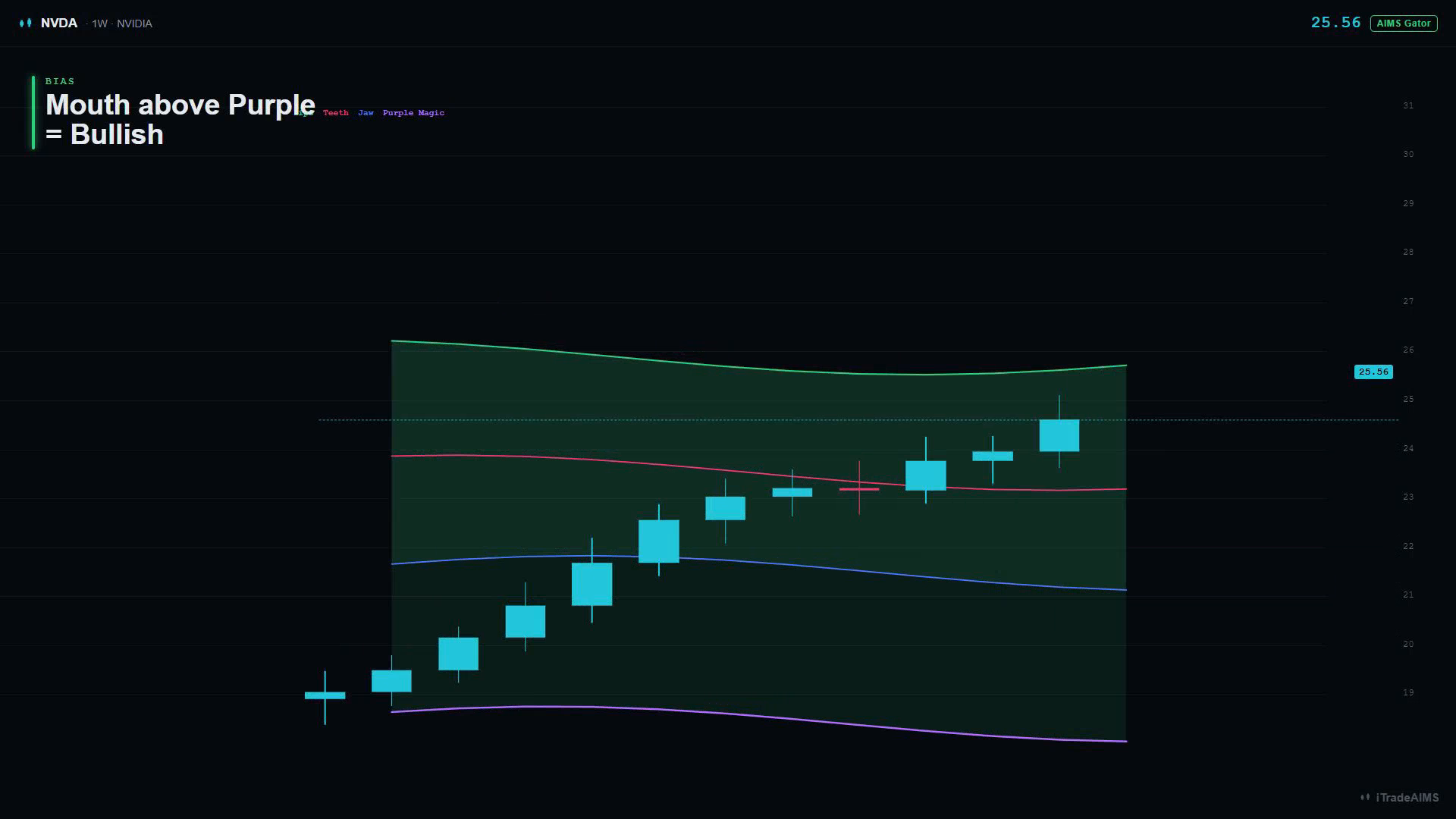
Bias rules (dashboard Purple Magic):
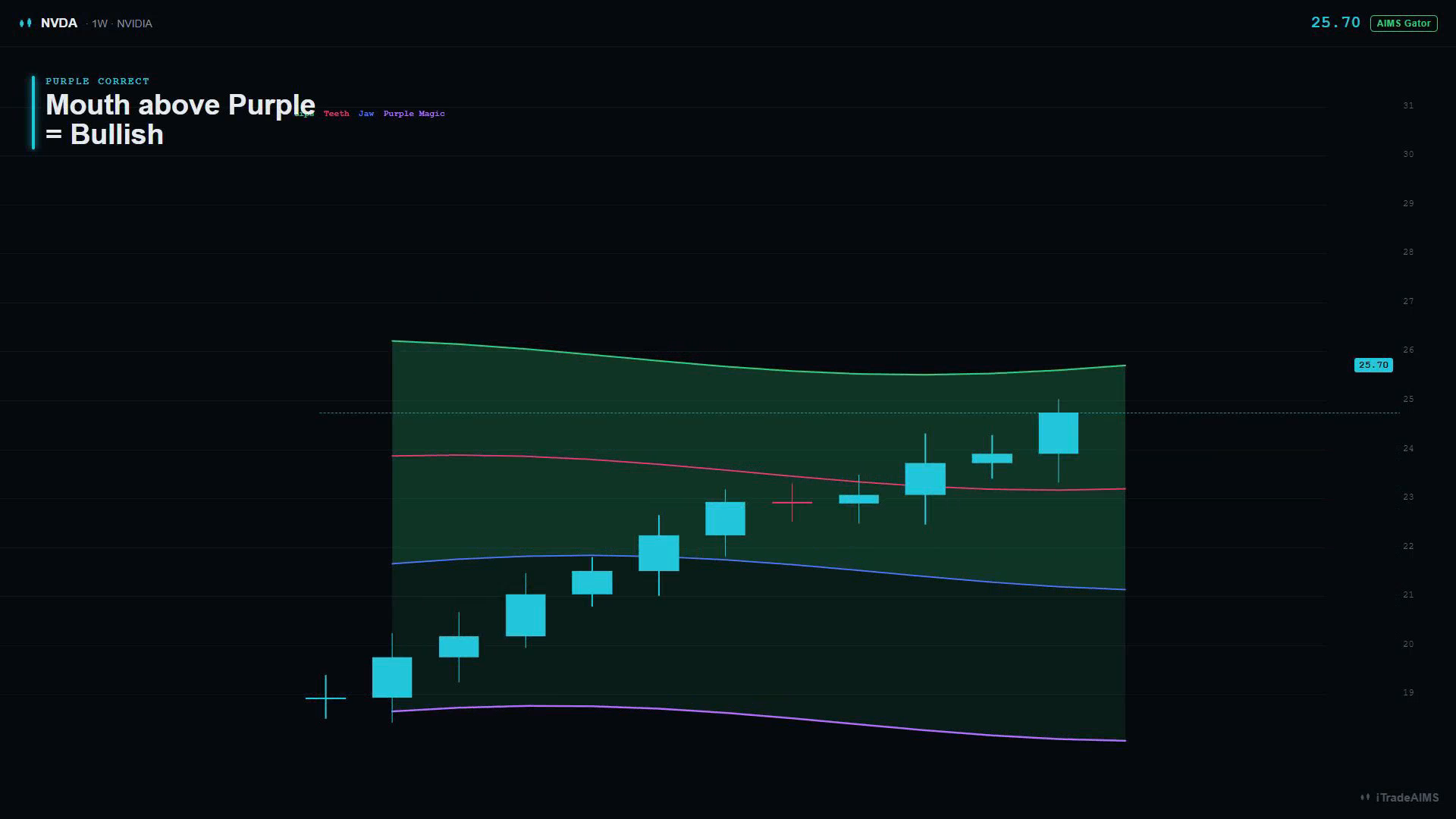
- Whole mouth above Purple → Bullish
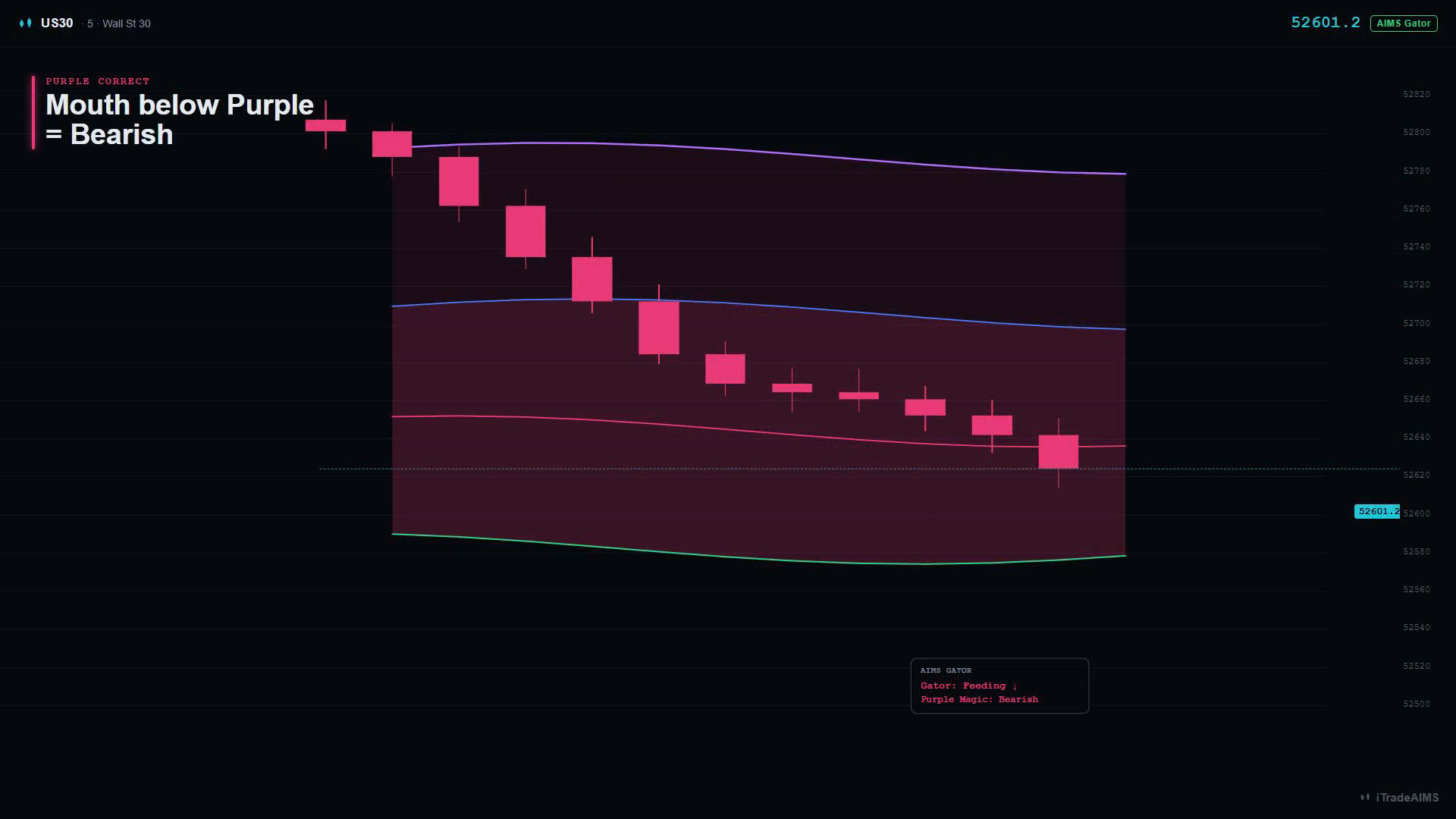
- Whole mouth below Purple → Bearish
- Otherwise → Neutral
3 · Display
| Input | Default | Plain meaning |
|---|---|---|
| Gator mouth ribbon | On | Fill between the three lines: green = Feeding up, red = Feeding down, dim = Sleeping |
| Trend cloud (jaw ↔ Purple Magic) | On | Soft cloud between Jaw and Purple, tinted by bias |
| Glow | On | Soft halo under Purple; lips glow while feeding |
| Line width | 2 | Thickness for the plotted lines |
If the ribbon looks odd at the right edge (displaced fill), toggle Gator mouth ribbon off.
4 · Dashboard
| Input | Default | Plain meaning |
|---|---|---|
| Show dashboard | On | Live panel on the chart |
| Position | Bottom Right | Opposite corner from AIMS Box’s default Bottom Left when stacked |
| Theme | Dark | Dark or Light |
| Text size | Normal | Tiny through Large |
| Dashboard label | Values |
|---|---|
| Gator | Feeding ↑ · Feeding ↓ · Sleeping |
| Price | Above mouth · In mouth · Below mouth |
| Purple Magic | Bullish · Bearish · Neutral |
5 · Alerts
| Input | Default | Plain meaning |
|---|---|---|
| Enable alerts | On | Allow script alert messages |
| Gator feeds up (opens bullish) | On | Mouth just became Feeding up |
| Gator feeds down (opens bearish) | On | Mouth just became Feeding down |
| Gator sleeps (mouth closes) | Off | Mouth just became Sleeping |
| Purple Magic bias flip | On | Bias just became Bullish or Bearish |
| Price crosses the lips | Off | Close crosses the Lips line |
How to create the alert in TradingView: TradingView alerts.
Style tab
Jaw / Teeth / Lips / Purple Magic colours are also editable under TradingView’s Style tab.
Related products (do not confuse)
| Product | Lane | What Gator is not |
|---|---|---|
| AIMS Box | Structure | Gator does not draw boxes or Setup 1/2 |
| Banana | Candles | Gator does not recolour candles |
| Box Advanced | Structure + visible Gator inside Box | Separate script; this hub is the standalone trend tool |
| Box PRO / Super | Structure with hidden bias | Bias may be invisible inside Box — use this script when you want the visible mouth |