Quick Start On MT4
Use this after The Banana Indicator MT4 is installed.
1. Open The Chart
- Open MetaTrader 4.
- Open the symbol and timeframe you want to review.
- Load enough recent history for the chart to draw normally.
2. Attach The Indicator
- Press
Ctrl+Nto open Navigator. - Open
Indicators > iTradeAIMS. - Drag
The Banana Indicator MT4onto the chart. - Enter your license key if the settings window asks for it.
- Select
OK.
3. Confirm The Chart Is Ready
Check:
- The indicator name appears in the chart indicator list.
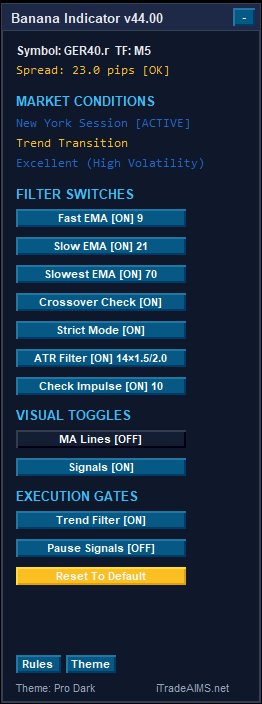
- The MT4 dashboard or panel appears if dashboard display is enabled.
- Signal markers appear when the MT4 signal conditions are met.
- The Experts tab does not show a repeated license, dependency, or loading error.
4. Keep MT4 Settings Separate
The MetaTrader 4 Inputs tab can differ from the MetaTrader 5 product. Use the labels shown in the MT4 Inputs tab and the MT4 settings page.