MT4 Alerts
Use this page for alerts in The Banana Indicator MT4.
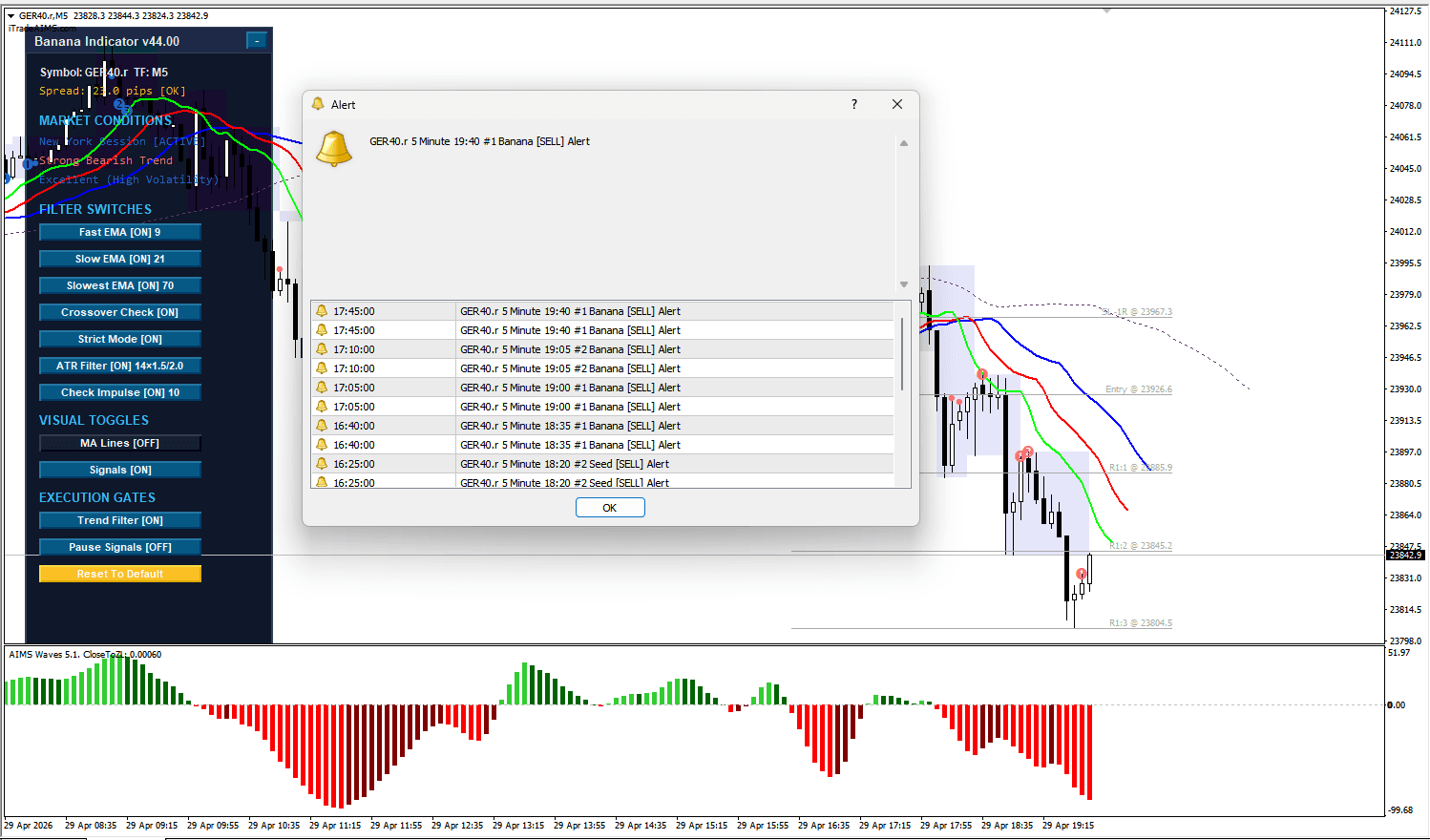
MT4 alerts can use popup, email, push, and sound notifications. The indicator alert setting and the MT4 terminal notification setting must both be correct.
Before You Rely On Alerts
Confirm:
- The indicator is attached to the MT4 chart.
- MT4 is running.
- The chart symbol and timeframe are the ones you intend to monitor.
- Alert options are enabled in the MT4 Inputs tab.
- MT4 terminal notification settings are configured if you use email or push notifications.
Check Indicator Alert Settings
- Right-click the chart.
- Select Indicators List.
- Select
The Banana Indicator MT4. - Select Edit or Properties.
- Open the Inputs tab.
- Review the Alerts settings.
The MT4 alert settings are:
- Send Email Alert
- Send Push Notification
- Play Sound File at Alert
- Show Pop Up Alert
- Sound File Name
The indicator checks recent bars only so it does not fire alerts for old historical signals when the chart loads.
Check MT4 Terminal Notification Settings
For push notifications, confirm MetaTrader 4 notification settings are configured in Tools > Options > Notifications.
For email alerts, confirm email settings are configured in Tools > Options > Email.
For sound alerts, confirm the selected sound file is available to MT4.
If Alerts Do Not Appear
Check:
- The indicator is still attached to the chart.
- The alert setting is enabled.
- MT4 terminal notifications are configured.
- The chart has enough price history loaded.
- The signal candle has formed recently.
- The Experts tab does not show a repeated error.
- MT4 is open while alerts are expected.
MT4 alerts are not configured through TradingView or MT5.