Start On TradingView
Use this path for AIMS Algo on TradingView.
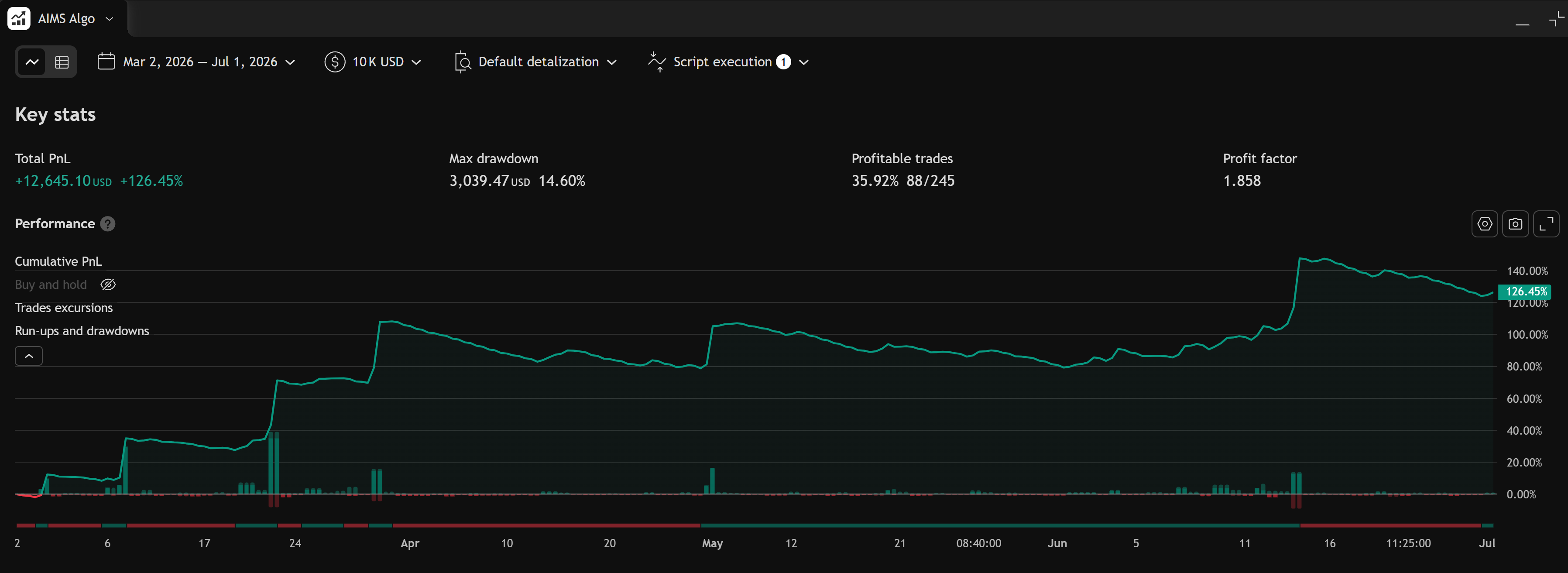
AIMS Algo is a strategy script — add it to a chart, open Strategy Tester, and review mapped structure plus backtest metrics. There is no Windows installer or MetaTrader data folder.
TradingView edition
AIMS Algo — Strategy
TradingView strategy script — chart + Strategy Tester.
Fast Path
- Confirm TradingView access
- Add it to a chart
- Strategy settings
- Strategy Tester results
- Troubleshoot TradingView
Review and backtest — not live trading by default
Strategy Tester output is historical simulation. Slippage, spreads, and live broker rules can differ. Not financial advice.
What To Confirm First
Before troubleshooting chart display or tester metrics, confirm:
- You are signed in to the TradingView username that received access.
- The chart shows AIMS Algo (not Banana Indicator TV or the Nasdaq strategy).
- You opened Strategy Tester when reviewing performance — indicators alone will not show the same equity metrics.