Strategy Settings
Use this page to review AIMS Algo inputs on TradingView before tuning.
Script page
Open settings
- Click the gear icon on the AIMS Algo strategy in the chart legend.
- Open the Inputs tab.
- Change one group at a time — reset if the chart becomes hard to read.
Settings philosophy
AIMS Algo defaults are tuned for a first meaningful backtest. Common mistakes:
- Changing too many inputs before you understand the mapped structure on chart.
- Optimizing in Strategy Tester before confirming symbol, timeframe, and session match your plan.
- Comparing results to Banana Indicator signals — related products, different roles.
What to document when you change inputs
If you contact support or compare backtests, note:
- Symbol and timeframe.
- Strategy Tester date range.
- Which inputs changed from default.
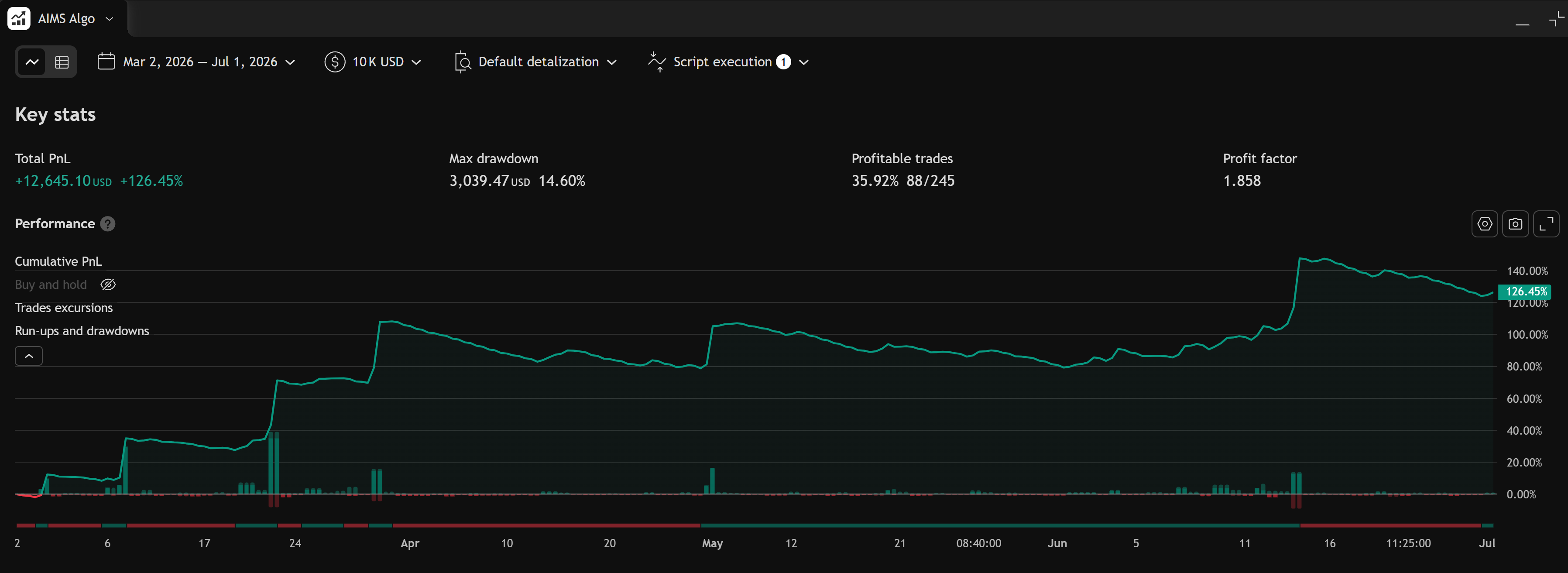
- Screenshot of Inputs and Overview tabs.
Related
- Quick start on TradingView
- Strategy Tester results
- Banana Indicator TV can use AIMS Algo Logic as a signal engine — see Banana Start Here.