Start On MT5
Use this path for The Banana Indicator MT5.
The MT5 version is not just an older or newer copy of the MT4 version. It has its own chart interface, dashboard behavior, settings labels, alert checks, and troubleshooting path. Use these MT5 pages when the product is installed in MetaTrader 5.
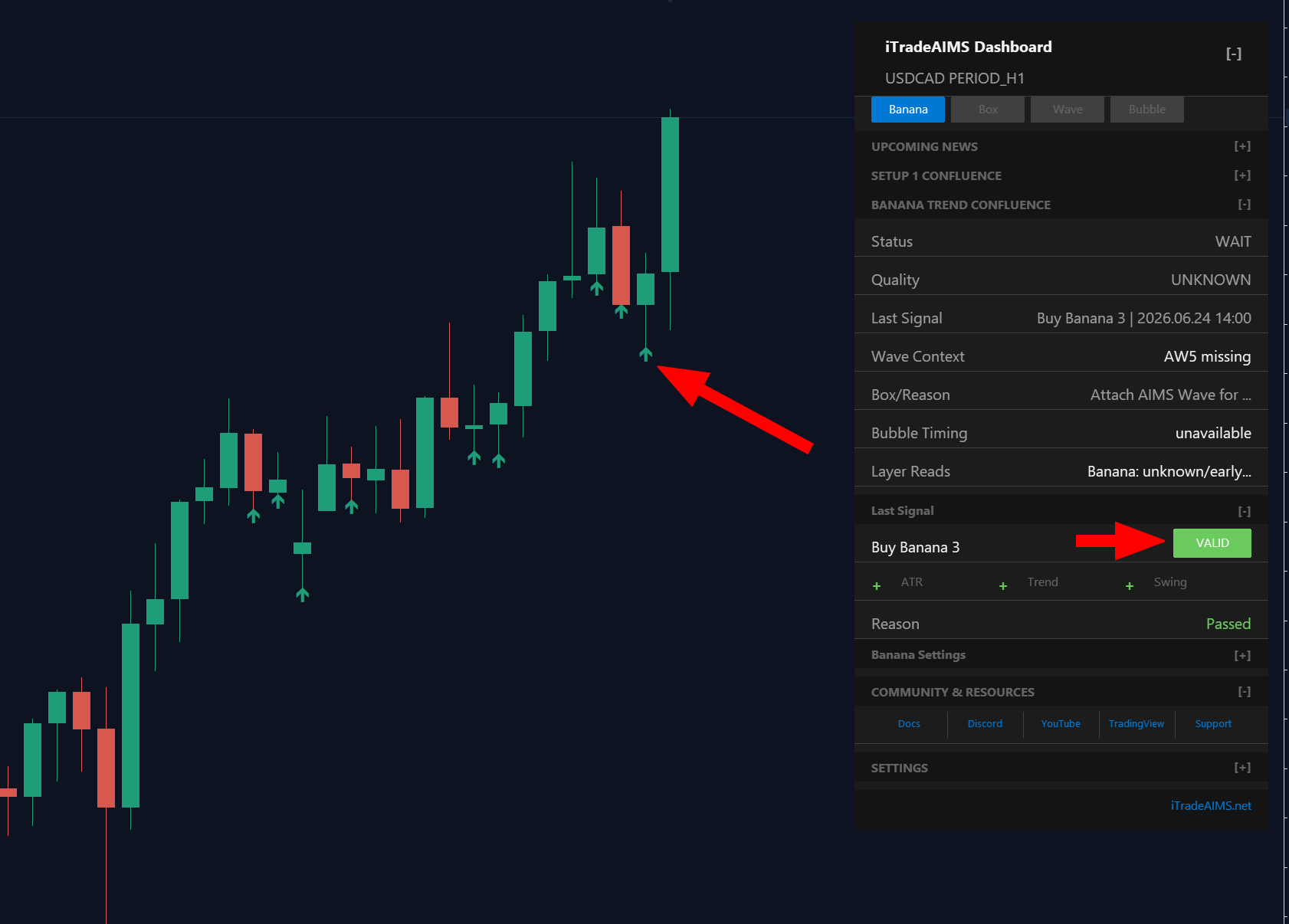
Fast Path
What To Confirm First
Before changing settings, confirm:
- The product shown in MetaTrader is
The Banana Indicator MT5. - The chart is in MetaTrader 5, not MetaTrader 4.
- The indicator loads without a license, dependency, or connection error.
- The dashboard and signal display match your intended chart symbol and timeframe.
How This MT5 Path Should Feel
These pages are written for customers who already have access or are close to using the product. They avoid sales-page detours and take you directly to the setup, settings, alerts, and troubleshooting information for the MT5 version.