Start on MT5
On MetaTrader 5, AIMS Wave ships as AIMSWaveMT5 (license: Elliott Wave Indicator MT5). You can run it standalone on a chart or as the Wave tab inside the Confluence Indicator Suite.
Install
- Activate at my.itradeaims.net
- Run the Confluence installer (recommended for suite users) or the standalone wave package — see Install on MT5
- Drag AIMSWaveMT5 from Navigator → Indicators → iTradeAIMS onto the chart
What it looks like on MT5
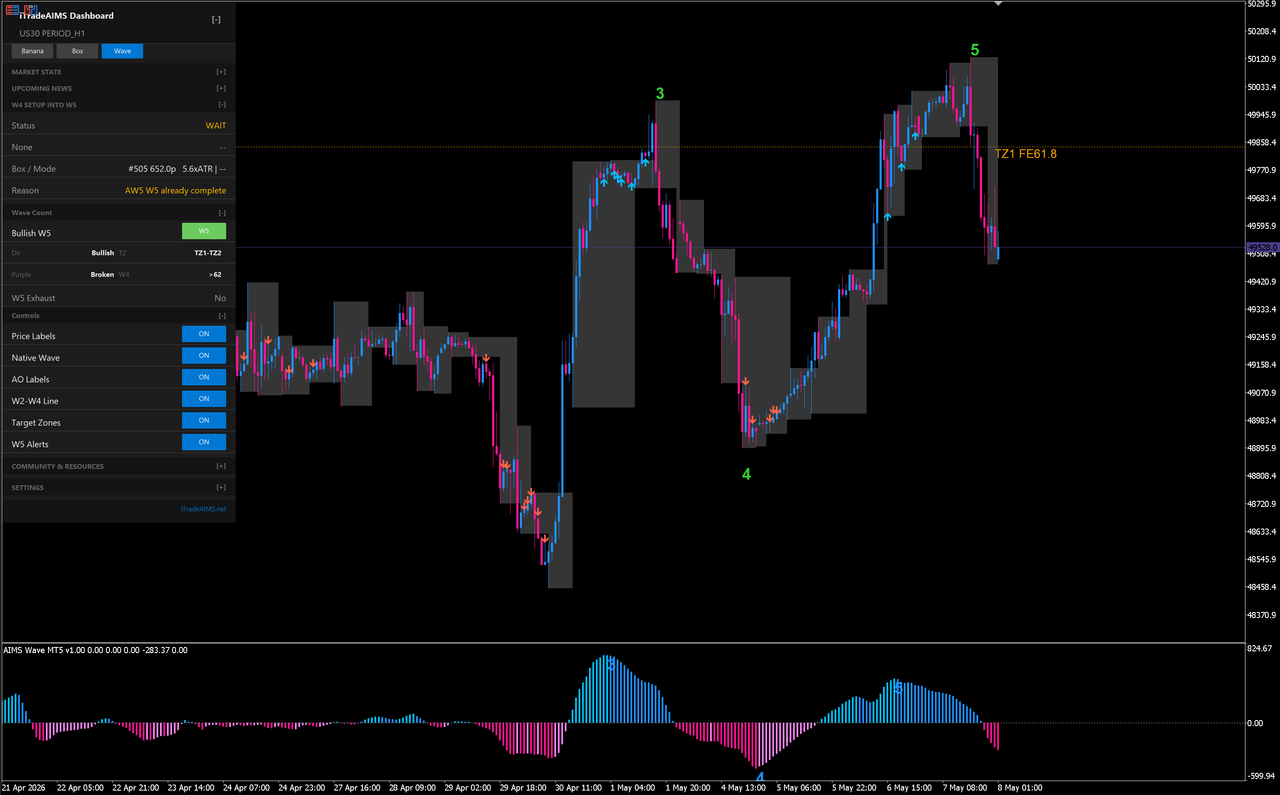
Suite path (recommended)
If you use Box + Banana + Wave together:
- AIMS Wave in the Confluence suite — Wave tab, Setup 1 Confluence, settings, troubleshooting
- Unified dashboard
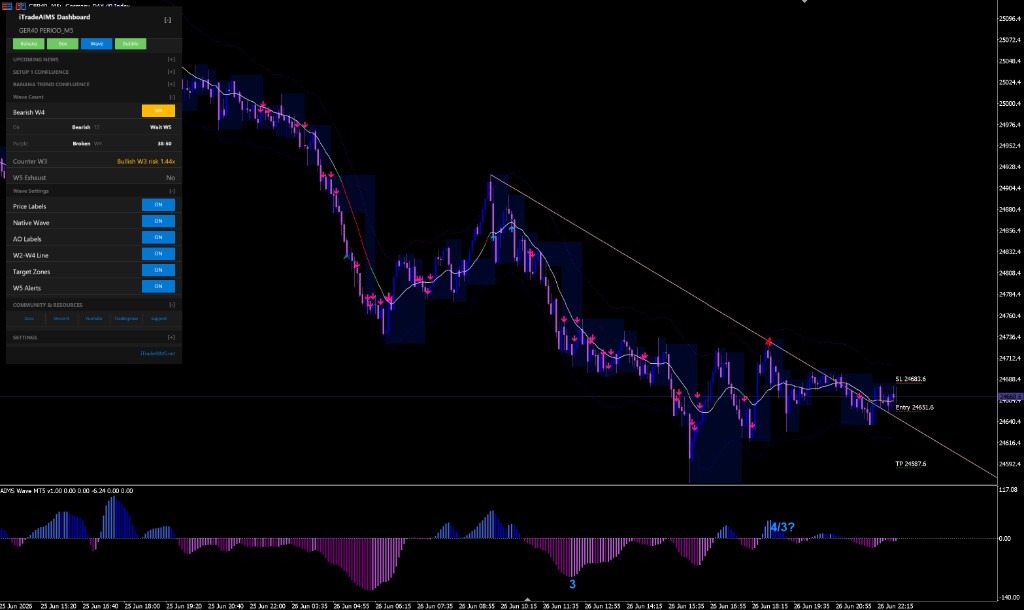
Standalone path
Attach AIMSWaveMT5 without the full dashboard when you only need wave structure on chart. You still need a live license and enough history bars (~100–150) for stable counts.
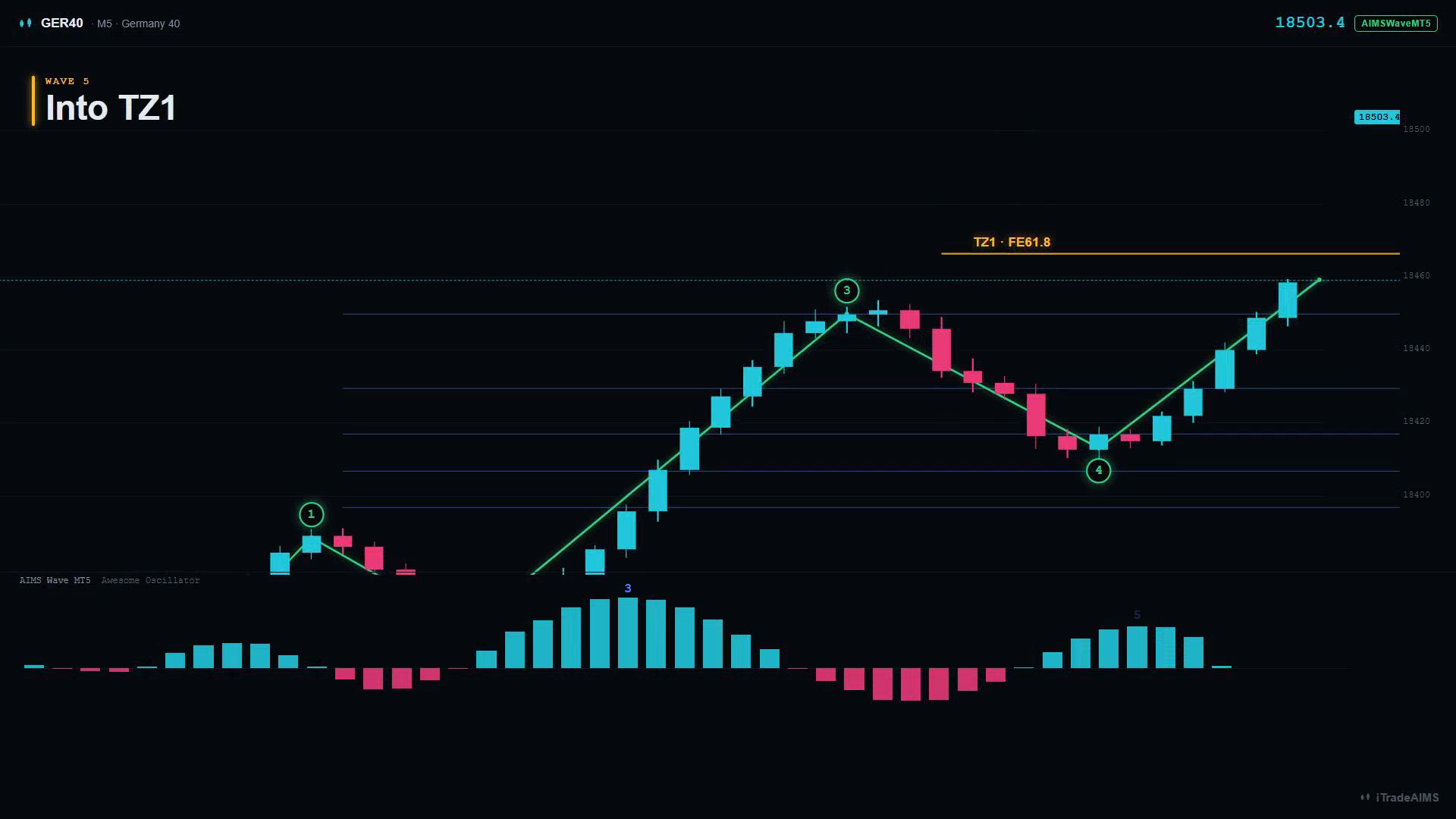
Next steps
- Install on MT5
- Quick start on MT5
- MT5 settings
- AIMS Wave in the Confluence suite — MT5 teaching gallery
- TradingView chart walkthrough — TV-only images
- Get started