Get Started With AIMS Wave
Choose the platform version you use. AIMS Wave docs are split by platform because MT5 and TradingView use different installers, dashboards, alerts, and troubleshooting checks.
Choose Your Platform
MetaTrader 5
Use this path for AIMSWaveMT5 (Elliott Wave Indicator MT5) — standalone chart or Wave tab inside the Confluence suite.
- Start on MT5
- Install on MT5
- Quick start on MT5
- Wave tab in the Confluence suite
- Install the Confluence suite
TradingView
Use this path for AIMS Wave on TradingView — Free, eWaves Super, or eWaves Pro (publish pending).
Core Elliott wave count, labels, and rhythm read on chart.
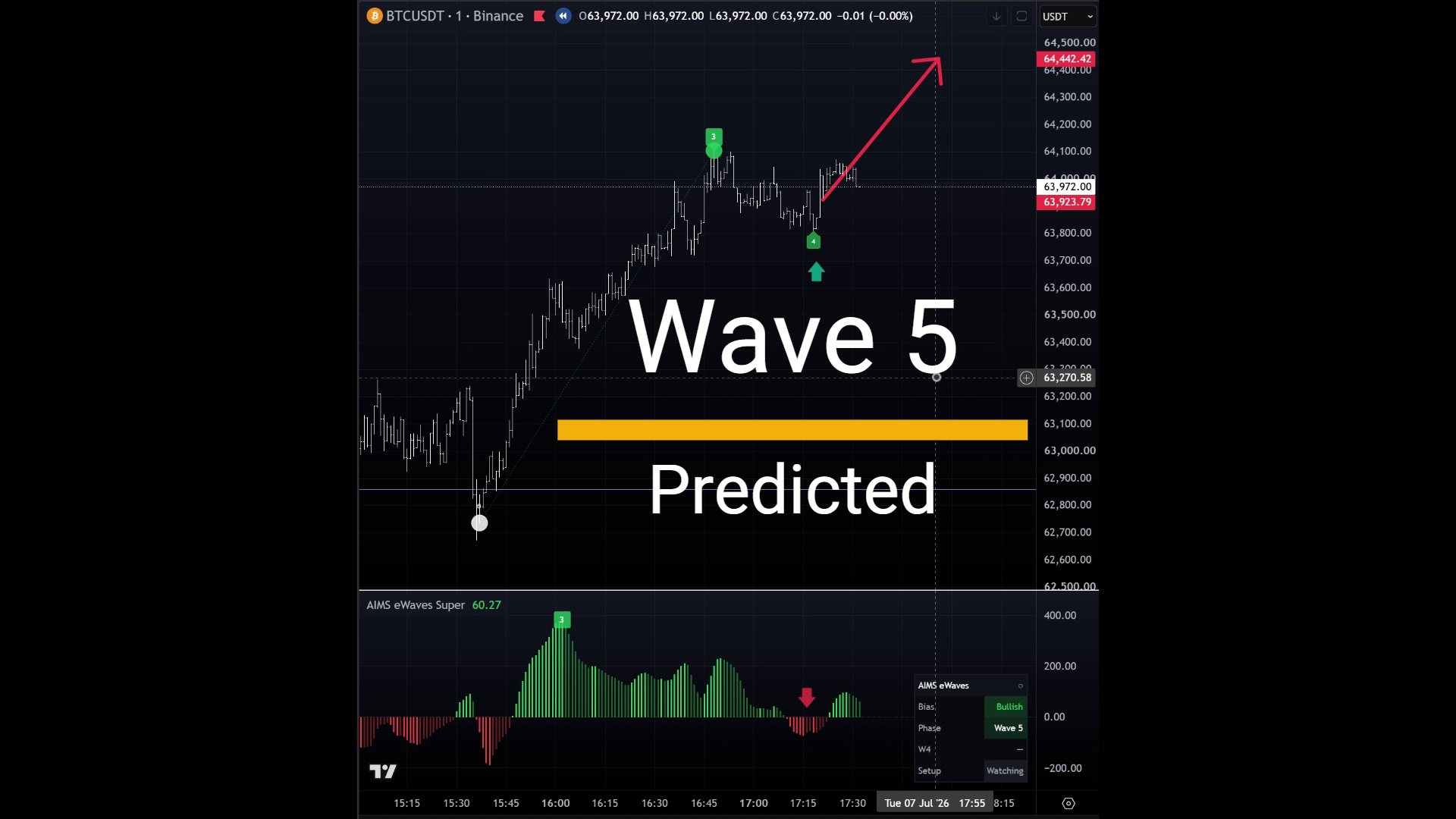
Super edition — Elliott wave labels, target zones, rhythm panel, and Wave 5 prediction context on chart.
Premium wave-count lane — scored multi-degree Elliott counts, completed-cycle persistence, W4 forecast pockets, TZ targets, and dashboard. Open the eWaves Pro docs while the TradingView URL is pending.
- Start on TradingView
- Get TradingView access
- Quick start on TradingView
- Chart walkthrough — chart examples
MetaTrader 4
AIMS Wave does not ship for MetaTrader 4. The MT4 page explains the status — use MT5 or TradingView instead.
Compare Platforms
If you are not sure which version you need, compare MT5 and TradingView.
For suite context (Box + Wave + Banana on one MT5 chart), see AIMS Wave in the Confluence suite.