Background
BananaEA is a MetaTrader 4 Expert Advisor built around the Banana trading method and related trade-management rules.
This background page gives context only. It is not required before installation, and it should not be used as a performance promise.
What The EA Is For
BananaEA is intended to help traders automate parts of their MT4 workflow:
- Detect configured Banana strategy conditions.
- Place trades when automated mode is enabled.
- Manage existing trades when trade-management mode is enabled.
- Apply stop loss, take profit, break-even, trailing stop, and partial-close rules.
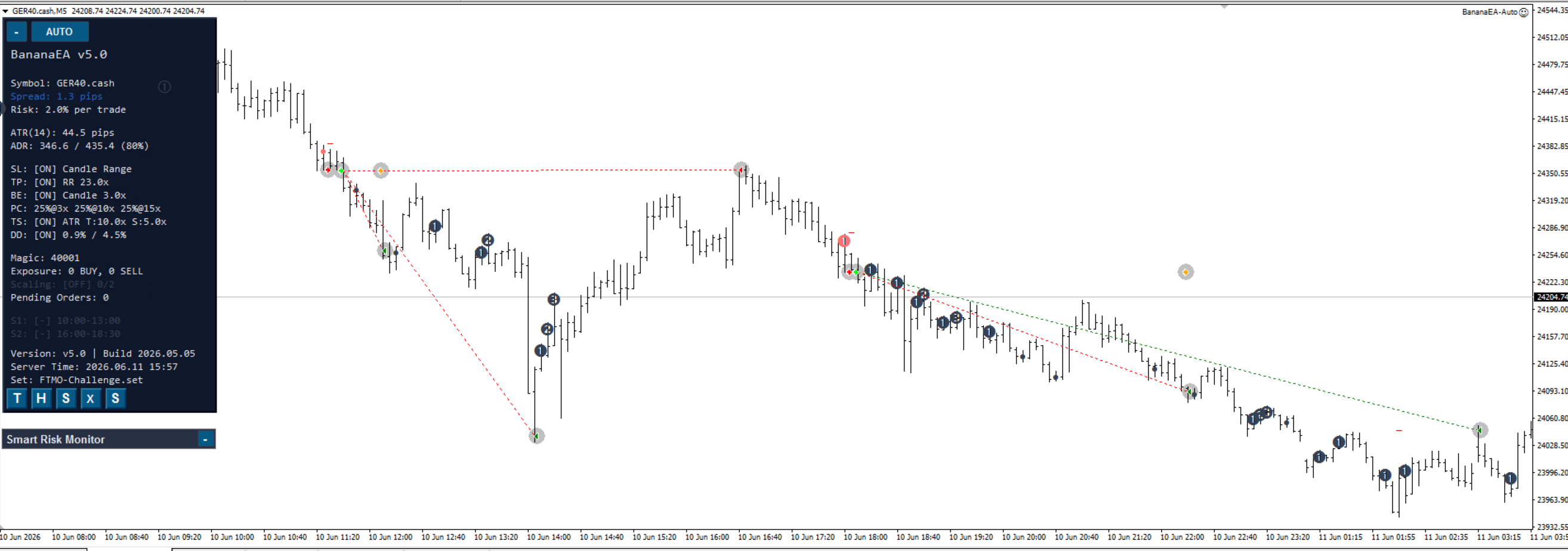
- Show chart controls and status information.
The EA still depends on correct setup, broker conditions, platform connection, and risk settings.
How To Use This Guide
If you are setting up BananaEA for the first time, use this order:
- Installation Guide
- Quick Start Guide
- Settings Guide
- Risk Management
- Backtesting And Optimization
- Troubleshooting
Risk Reminder
BananaEA is software. It does not remove trading risk and it does not guarantee results.
Before live use, test on demo, run Strategy Tester checks, confirm the preset and risk settings, and monitor the platform while the EA is active.