Start On TradingView
Use this path for AIMS Box on TradingView. iTradeAIMS ships Free, Advanced, PRO, Super (publish pending), and Liquidity Box (invite / publish pending) — pick the script that matches your license.
TradingView does not use a Windows installer or MetaTrader data folder. Access is granted to a TradingView username, then the script is added to a chart.
TradingView editions
Public structure teaser — last fractal box + optional pip-limit tint. No Setup 1/2 lifecycle.
Invite-only — full box lifecycle with visible Gator lines, mouth ribbon, settings, and trend candle tint (legacy all-in-one).
Invite-only Pro — fractal boxes, MT5-parity Setup 1/2 lifecycle, invisible Gator/Purple bias, ALMA option, volatility cloud, volume anomaly + ATR box gate, dashboard, PineConnector pending-order alerts.
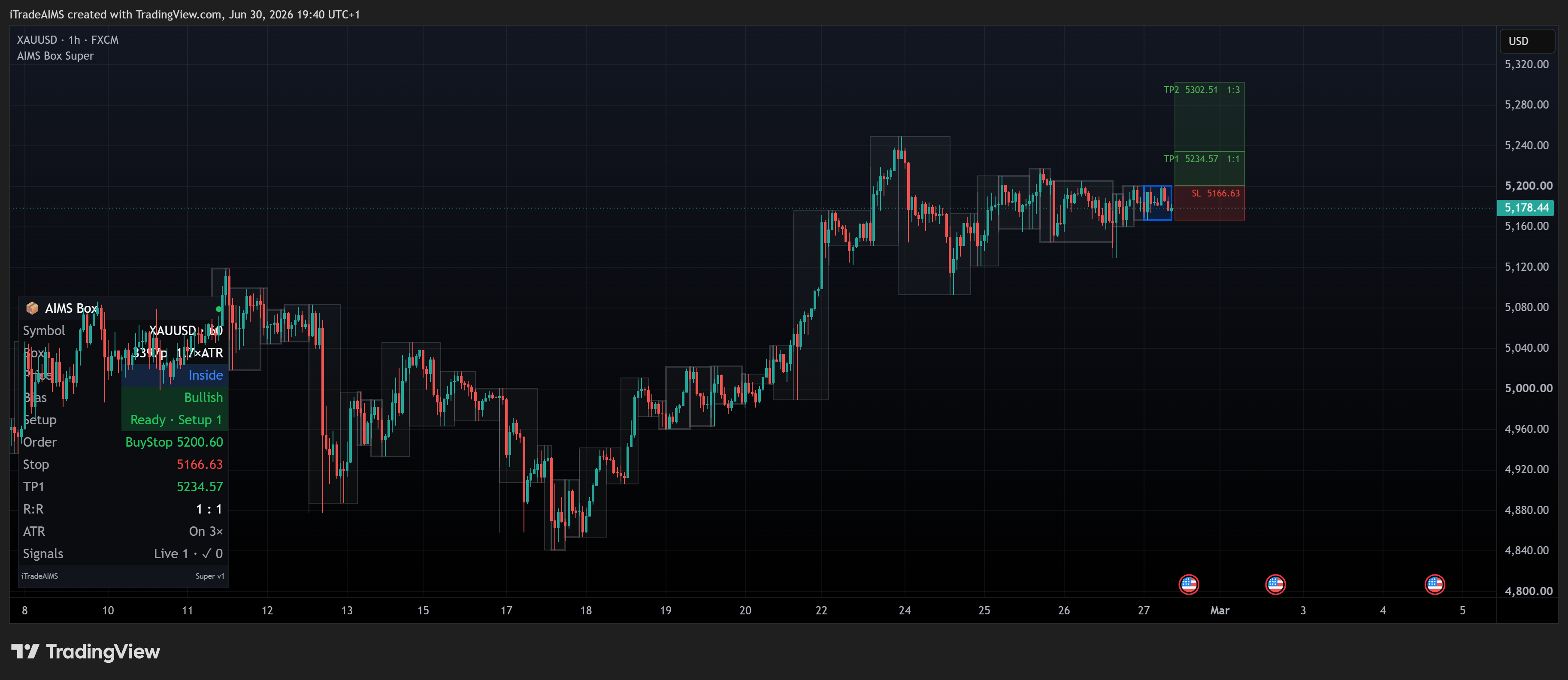
Structure-only Setup 1/2 lane — invisible Gator/Purple bias validation, no gator lines, no candle tint. Open the Box Super docs while the TradingView URL is pending.
Box Super structure plus Support & Resistance zones and ★ S&R confluence. Open the Liquidity Box docs while the TradingView URL is pending.
- Free (AIMS Box TV) — public structure teaser (fractal box only).
- Advanced — invite-only legacy all-in-one: Setup lifecycle with visible Gator lines, ribbon, settings, and candle tint.
- PRO — invite-only Pro: Setup 1/2 lifecycle, invisible Gator/Purple bias, ALMA option, volatility cloud, volume anomaly + ATR box gate, dashboard, PineConnector.
- Super — structure-only Setup 1/2 lane — invisible Gator/Purple bias validation, no gator lines, no candle tint — Box Super docs (publish pending).
- Liquidity Box — Super-style structure plus Support & Resistance and ★ S&R confluence — Liquidity Box docs. S&R layer is TV-only (not on MT5 Box yet).
Check my.itradeaims.net → License Center, then open the matching script above.
Fast Path
- Confirm TradingView access
- Add it to a chart — or Box Super quick start / Liquidity Box quick start
- Study chart examples — Super: AIMS Box Super · Liquidity: AIMS Liquidity Box
- Create TradingView alerts — Super: Box Super alerts · Liquidity: Liquidity Box alerts
- Troubleshoot TradingView
What To Confirm First
Before troubleshooting chart display or alerts, confirm:
- You are signed in to the TradingView username that was granted access.
- The chart lists AIMS Box TV, AIMS Box Advanced, AIMS Box Pro, AIMS Liquidity Box, or the exact name from your grant.
- TradingView no longer shows an invite-only access message (Advanced / PRO / Super / Liquidity Box grants).
- The indicator is on the chart where you expect box levels to appear.
MT5 Users
If you also use MetaTrader 5, the MT5 docs cover AIMS Box MT5 and the Confluence Box tab. TV and MT5 are separate products with aligned box logic but different UIs.