Get Started With AIMS Box
Choose the platform version you use. AIMS Box docs are split by platform because MT4, MT5, and TradingView use different installers, dashboards, alerts, and troubleshooting checks.
Choose Your Platform
MetaTrader 4
Use this path for AIMS Box Advanced Indicator on MT4.
- Start on MT4
- Install (MT4 section)
- Quick start
MetaTrader 5
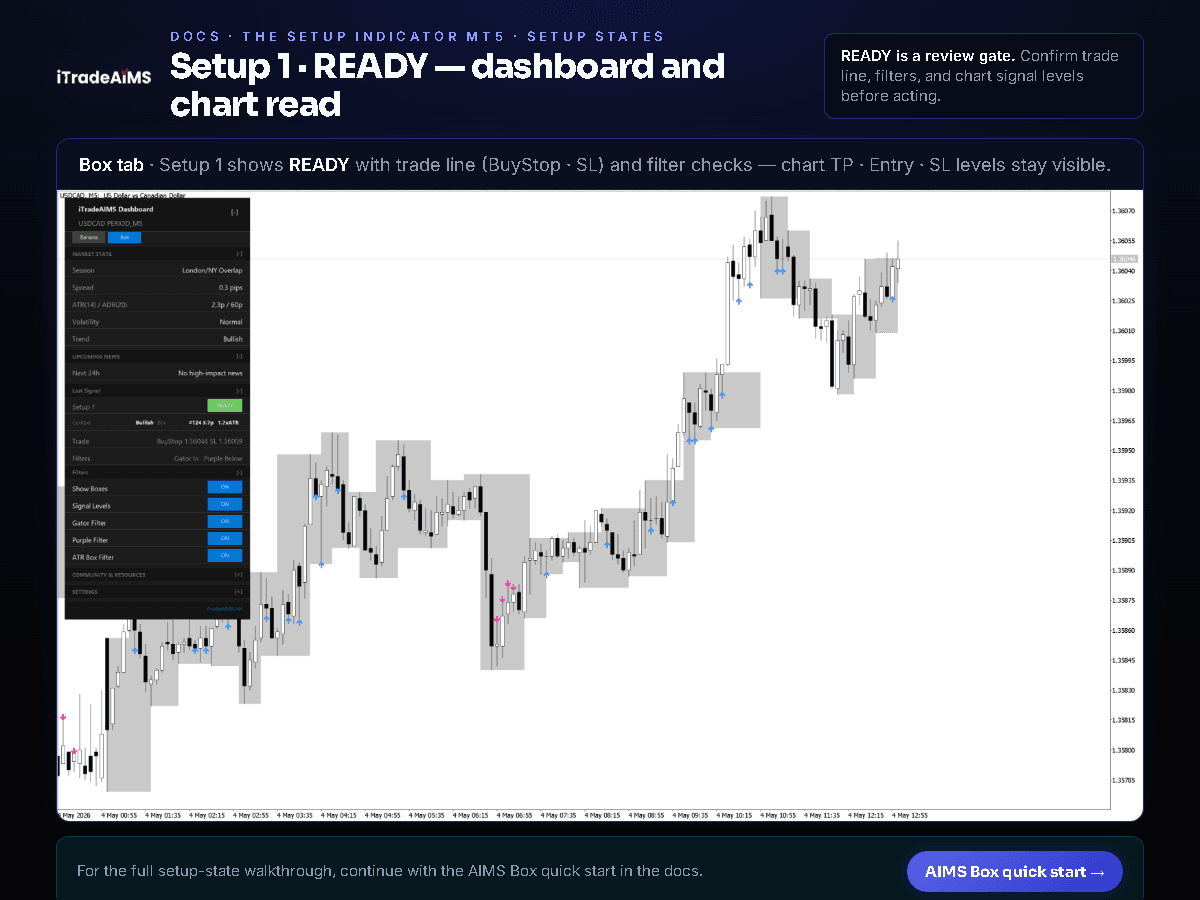
Use this path for AIMS Box MT5 and the Confluence dashboard Box tab.
TradingView
Use this path for AIMS Box on TradingView — Free, Advanced, PRO, Super (publish pending), or Liquidity Box (invite / publish pending):
- Start on TradingView
- Get TradingView access
- Quick start on TradingView
- AIMS Liquidity Box
- Chart examples
Compare Platforms
If you are not sure which version you need, compare MT4 and MT5 versions.
For suite context (Box + Banana + Wave on one MT5 chart), see Box tab in the Confluence suite.
For a printable session opener, see the Daily use checklist.