Daily Use Checklist
Use this checklist before relying on the indicator during a trading session.
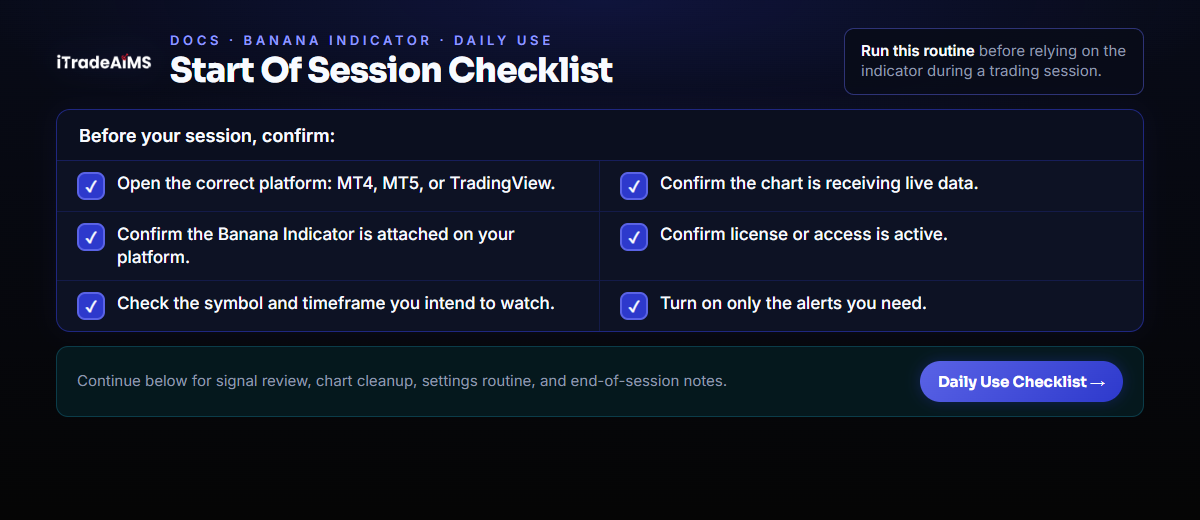
Start Of Session
- Open the correct platform: MT4, MT5, or TradingView.
- Confirm the chart is receiving live data.
- Confirm The Banana Indicator MT5 is attached, or the MT4/TradingView Banana Indicator version is added.
- Confirm license or access is active.
- Check that the symbol and timeframe are the ones you intend to watch.
- Turn on only the alerts you need.
Before Reviewing A Signal
Check:
- Is the candle confirmed?
- Is the market trending, ranging, or unclear?
- Is price near support or resistance?
- Is there scheduled news?
- Is the spread acceptable?
- Do you know where your stop loss would go?
If the answer is unclear, skip the signal.
If The Chart Is Too Busy
Try:
- Hide Seed signals.
- Show fewer Banana signal counts.
- Hide EMA lines.
- Collapse the dashboard.
- Use one chart while learning.
If You Change Settings
Use a simple routine:
- Change one setting.
- Observe the result.
- Write down what changed.
- Avoid changing several filters at once.
- Return to defaults if the chart becomes confusing.
End Of Session
- Note which signals you reviewed.
- Note whether you took, skipped, or waited.
- Record why.
- Review mistakes without changing settings immediately.
This routine helps you learn the indicator without chasing every marker.