Troubleshoot TradingView
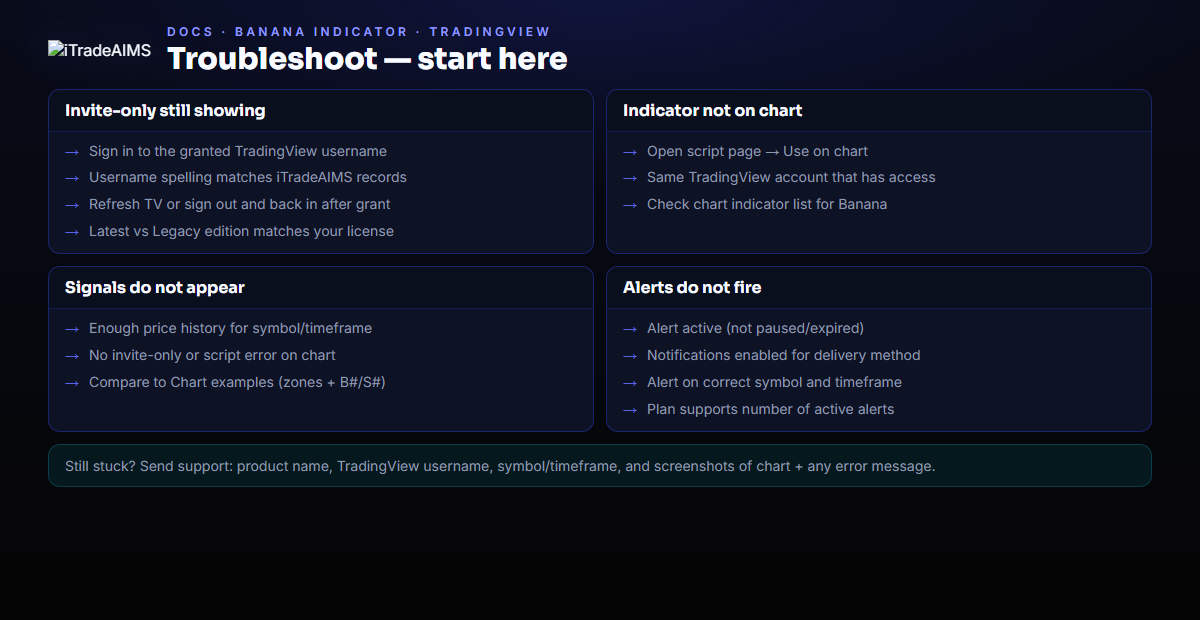
Use this page for The Banana Indicator TV (Latest or Legacy) issues.
Script pages
Script Still Shows Invite-Only
Check:
- You are signed in to the TradingView username that was granted access.
- iTradeAIMS has the exact TradingView username, including spelling and case.
- You refreshed TradingView or signed out and back in after access was granted.
- You are not signed in to a second TradingView account in another browser profile.
- You opened the same edition (Latest vs Legacy) that was granted on your license.
Indicator Does Not Appear On Chart
- Open the matching script page above.
- Select Use on chart.
- Confirm the chart is open in the same TradingView account that has access.
- Check the chart indicator list.
Signals Do Not Appear
Check:
- The indicator is on the chart.
- The chart symbol and timeframe are the ones you intend to review.
- The chart has enough recent price history loaded.
- TradingView does not show an invite-only or script access message.
- Compare your chart to a known-good example on Chart examples (zones + B#/S# visible when a setup is live).
Alerts Do Not Fire
Check:
- The indicator is on the chart.
- The TradingView alert is active.
- TradingView notification settings are enabled.
- Your TradingView plan supports the number of active alerts.
- The alert was created for the chart symbol and timeframe you expect.
What To Send Support
If the issue remains, send:
- Product name:
The Banana Indicator TV - TradingView username.
- Chart symbol and timeframe.
- Screenshot of the chart.
- Screenshot of the invite-only or alert message if one appears.
- The exact message shown by TradingView.