Box Super settings
Inputs follow six groups (Style tab colours boxes and markers separately). Labels below match the TradingView Inputs list.
Hidden bias engine
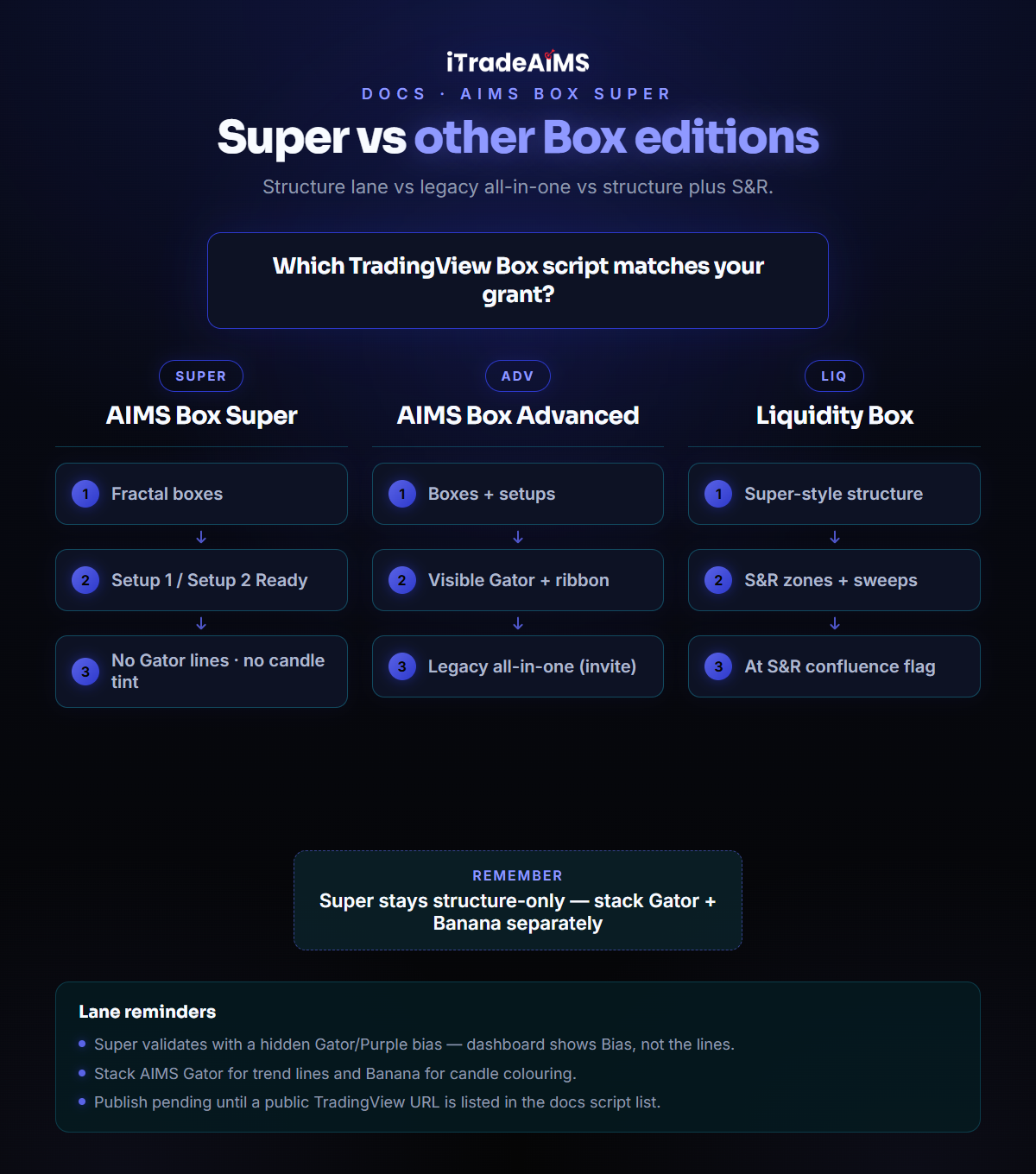
Gator / Purple Magic lengths and offsets are baked in. You will not see Gator settings on Super — that is intentional. Use AIMS Gator if you want visible trend lines.
1 · Box
| Input | What it does |
|---|---|
| Fractal bars | Size of the confirmed fractal window (default 5). Larger = fewer, bigger boxes. |
2 · Filters
| Input | What it does |
|---|---|
| ATR box-size filter | Oversized boxes still draw, but will not arm a setup. |
| ATR period / Max box ×ATR | How tall a box may be before it is blocked. |
| Max box pips (0 = off) | Optional hard cap after the ATR gate. |
3 · Trade Levels
| Input | What it does |
|---|---|
| TP1 (× risk) / TP2 (× risk) | Take-profit distances as multiples of box height (entry↔stop = 1R). |
| Show TP zones | Draw TP1 / TP2 zones on the chart. |
4 · Display
| Input | What it does |
|---|---|
| Show boxes / Show setup zones | Toggle structure and setup drawings. |
| Setup style | Zones, Lines, or Both. |
| Extend (bars) | How far setup drawings extend. |
| Live levels offset (bars) | Floats the active pending levels right of price; freezes on trigger. |
| Keep signals | How many past setups stay on the chart (Current only / Last 3 / Last 5 / Session / All). |
5 · Dashboard
| Input | What it does |
|---|---|
| Show dashboard | On/off. |
| Position / Theme / Text size | Placement and readability. |
6 · Alerts / PineConnector
| Input | What it does |
|---|---|
| Enable alerts | Allow SETUP READY alert conditions. |
| PineConnector messages | Optional buystop/sellstop message format (off by default). |
| PineConnector License ID / Symbol / Risk % | Reference fields for bridge users — the indicator still does not size positions. |