Platform Comparison
The Banana Indicator is available as separate MT4, MT5, and TradingView product versions, so choose the platform that matches where you already watch or trade charts.
Quick Choice
| Platform | Choose this if | Access method | Main setup task |
|---|---|---|---|
| MetaTrader 4 | Your broker account and charts are in MT4 | Installer and license key | Select the MT4 data folder during install |
| MetaTrader 5 | Your broker account and charts are in MT5 | Installer and license key | Select the MT5 data folder during install |
| TradingView | You chart in a browser, desktop app, or mobile app | Invite-only script access | Request access and add the script to a chart |
Start with the guide for your platform:
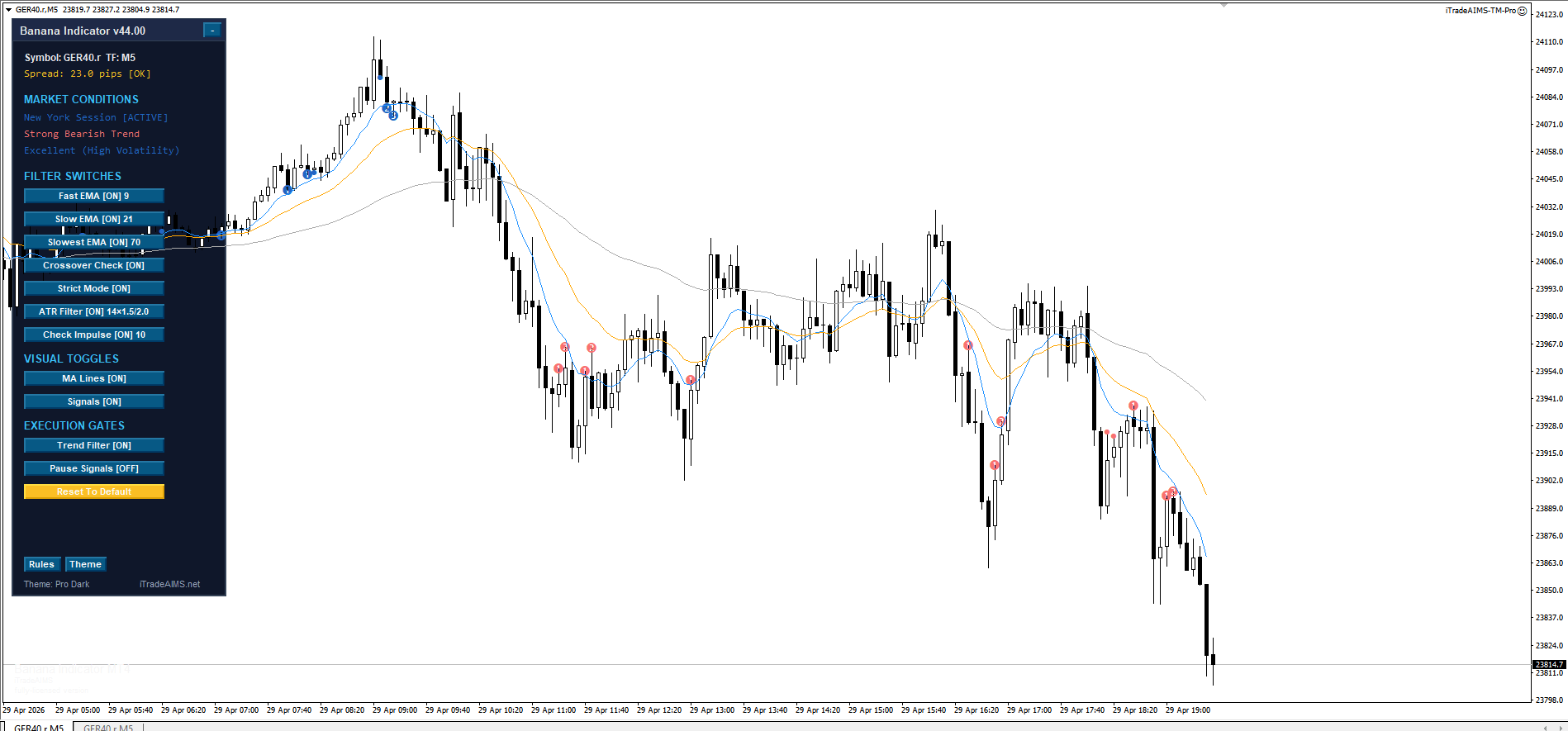
MetaTrader 4
Use MT4 if your broker account is in MetaTrader 4 or you already have MT4 chart templates.
What to expect:
- Install with the official Banana Indicator MT4 installer.
- Select the MT4 data folder opened from
File > Open Data Folder. - Find the indicator under
Navigator > Indicators > iTradeAIMS. - Enter your license key when prompted by the indicator settings.
MetaTrader 5
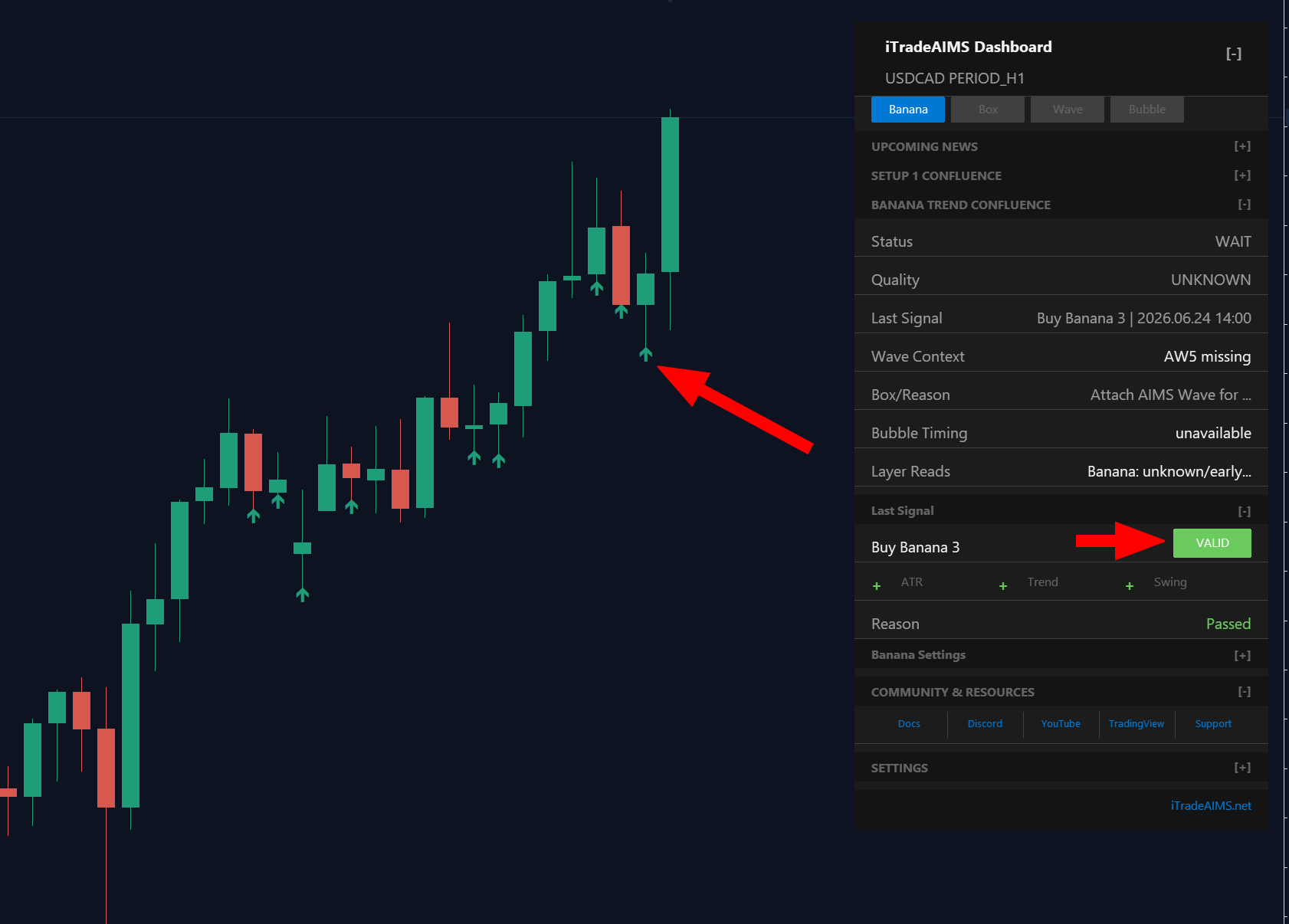
Use MT5 if your broker account is in MetaTrader 5 or you prefer the newer MetaTrader platform.
What to expect:
- Install with the official The Banana Indicator MT5 installer.
- Select the MT5 data folder opened from
File > Open Data Folder. - Find the indicator under
Navigator > Indicators > iTradeAIMS. - Enter your license key when prompted by the indicator settings.
TradingView
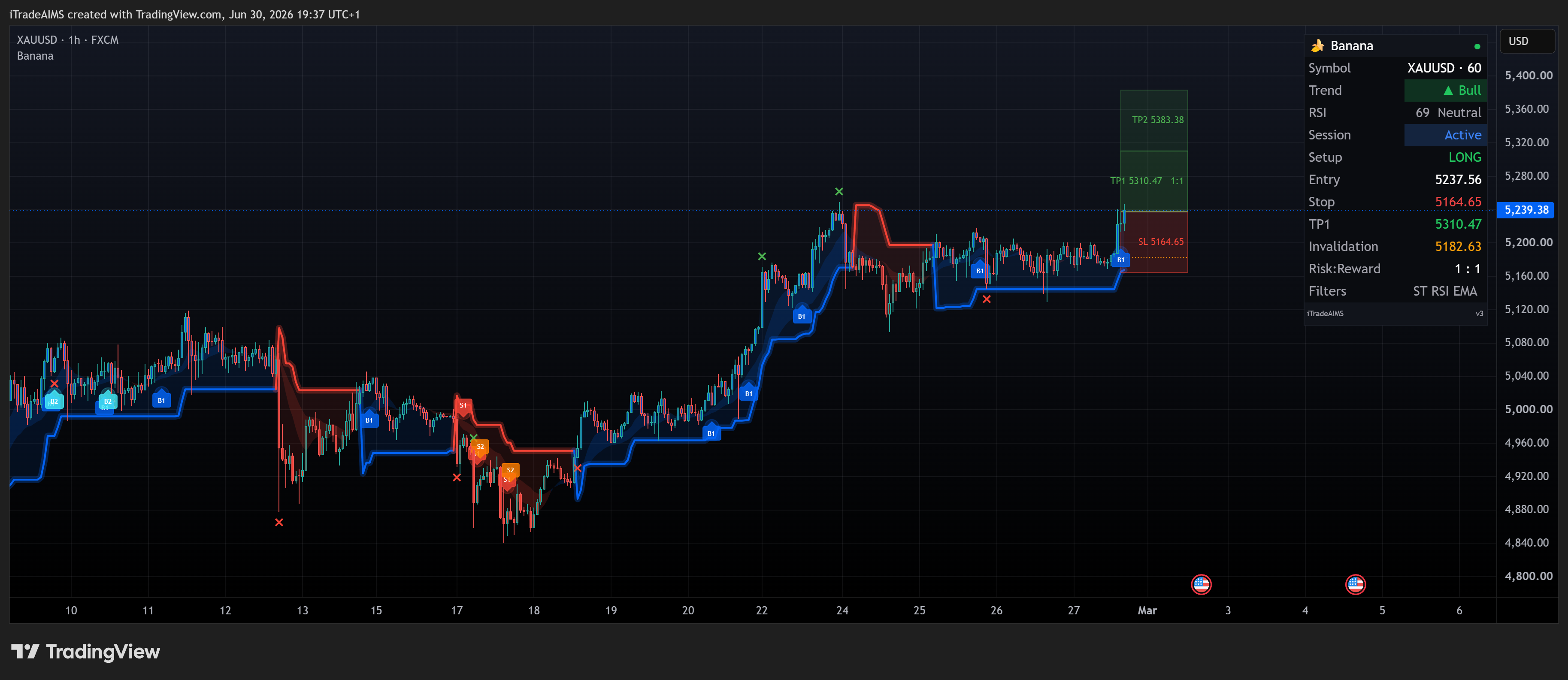
Use TradingView if you prefer browser or app-based charting.
What to expect:
- The script is invite-only.
- You must request and receive access before it can be used on your chart.
- Once access is active, open the script page and choose
Use on chart. - TradingView alerts are configured from TradingView, not from MetaTrader.
- v3 uses B#/S# labels, trade zones, Smart Trail, and a Pine dashboard — see chart examples.
TradingView scripts (Latest preferred; Legacy only if your charts still use it):
Current Pine build (v3) — B#/S# labels, zones, dashboard.
Previous edition — keep only if your charts still use the Legacy script.
You can also browse the iTradeAIMS TradingView profile.
Support Boundary
When asking for help, always say which platform you are using. MT4, MT5, and TradingView have different setup steps and different alert systems.
For MetaTrader support, include:
- Platform: MT4 or MT5.
- Broker name.
- Symbol and timeframe.
- Whether the indicator appears in Navigator.
- Any message shown in the Experts or Alerts tab.
For TradingView support, include:
- Your TradingView username.
- Whether invite-only access has been granted.
- The chart symbol and timeframe.
- A screenshot of the indicator or access message.